👁️ Overview
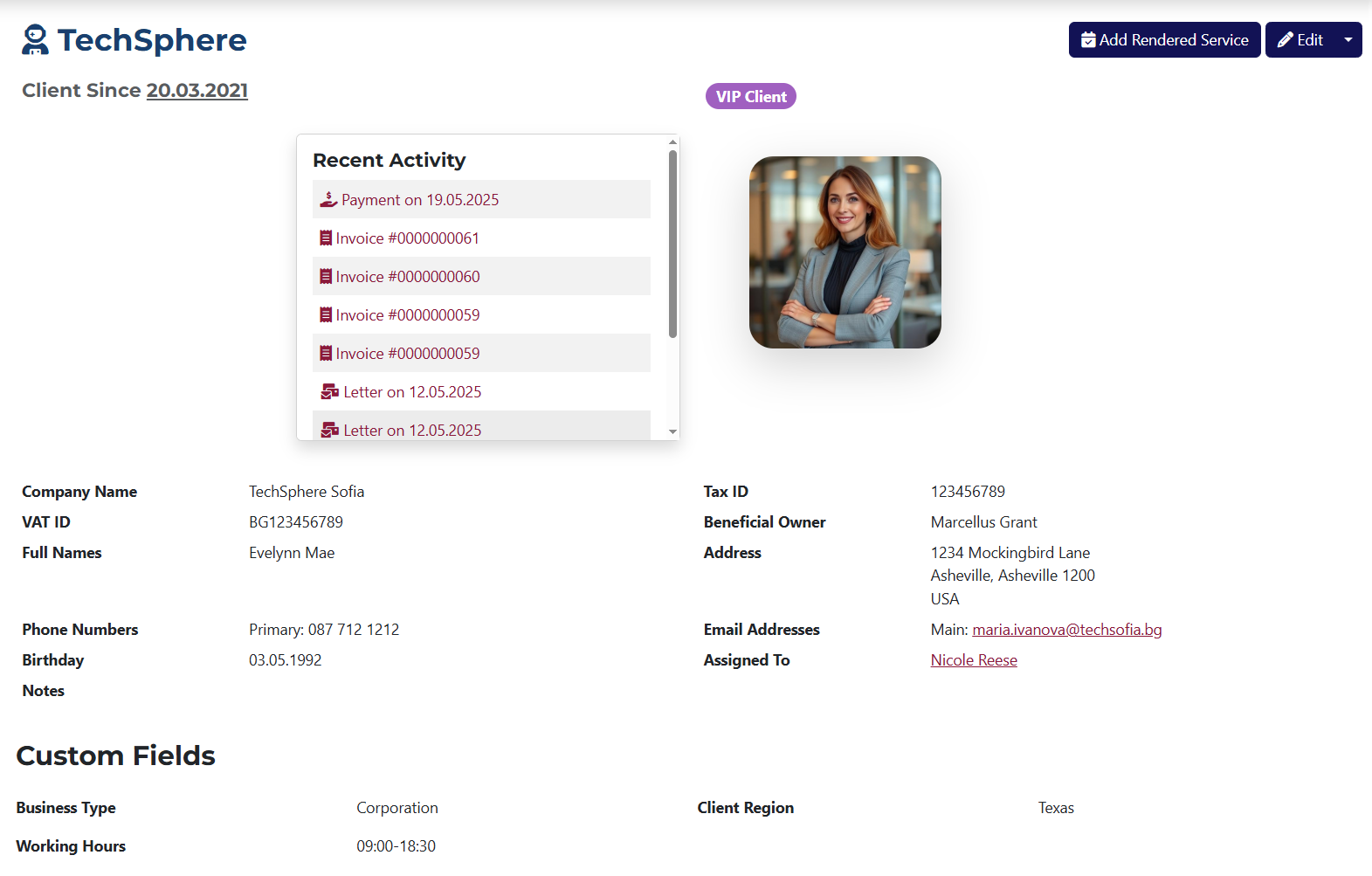
Basic Information:
- Company Name - The official name of the client's company.
- VAT ID - The client's unique VAT registration identifier.
- Full Names - The client's personal or company name.
- Tax ID - The unique ID number assigned to the company as a legal entity.
- Beneficial Owner - The person representing the company in business matters.
- Address - The registered physical address of the company.
- Phone Numbers - Contact phone numbers for the company (up to 3).
- Birthdate - Client's birth date (if applicable).
- Email Addresses - Contact email addresses for the company (up to 3).
- Assigned To - The staff member responsible for this client.
- Notes - A text field for any additional client information.
- Custom Fields - Any extra custom fields created from the system settings will be displayed here.
📁 Tabs
- Tasks
- Interactions
- Invoices
- Purchases
- Payments
- Rendered Services
- Emails
- Letters
- Expenses
- Files
- Assets
- Change Log

From this tab, you can add a new task or use a template to create a task linked to the client you're viewing.
You can also see all tasks related to this client, including their names, deadlines, who they are assigned to, and their status.
Buttons are available for view, edit, create templates, and delete tasks.
For more info about Tasks, click here.
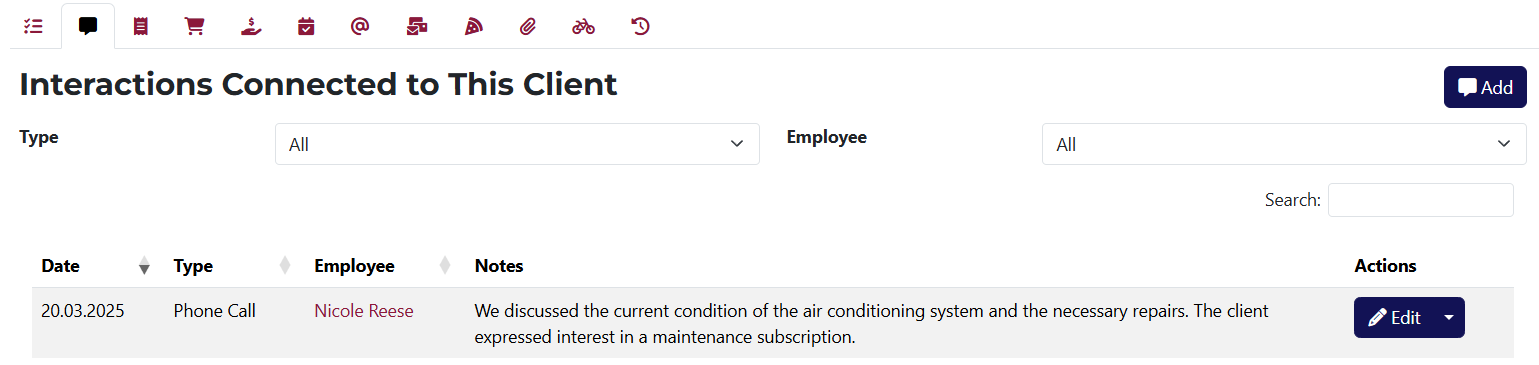
This list displays all interactions related to this client.
You can edit or delete interactions and sort them by type or employee.
To add a new interaction, click on the Add button to go to the add interaction page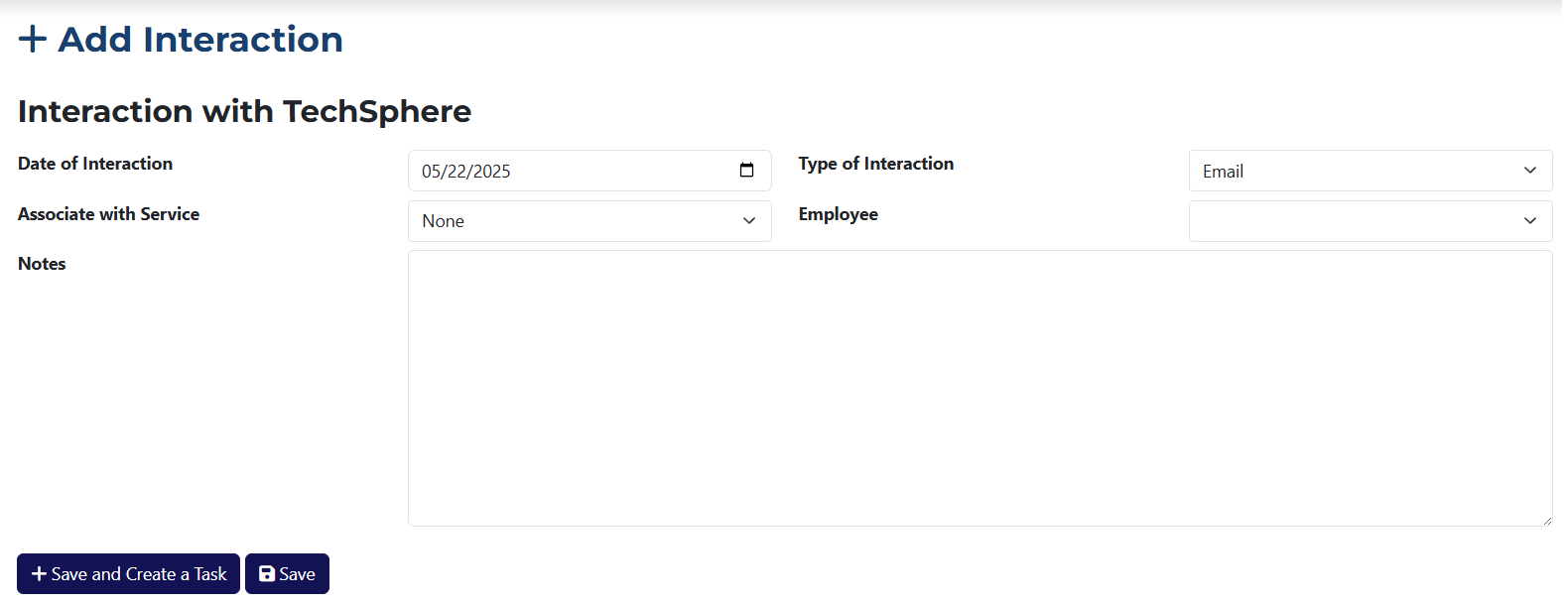 .
.
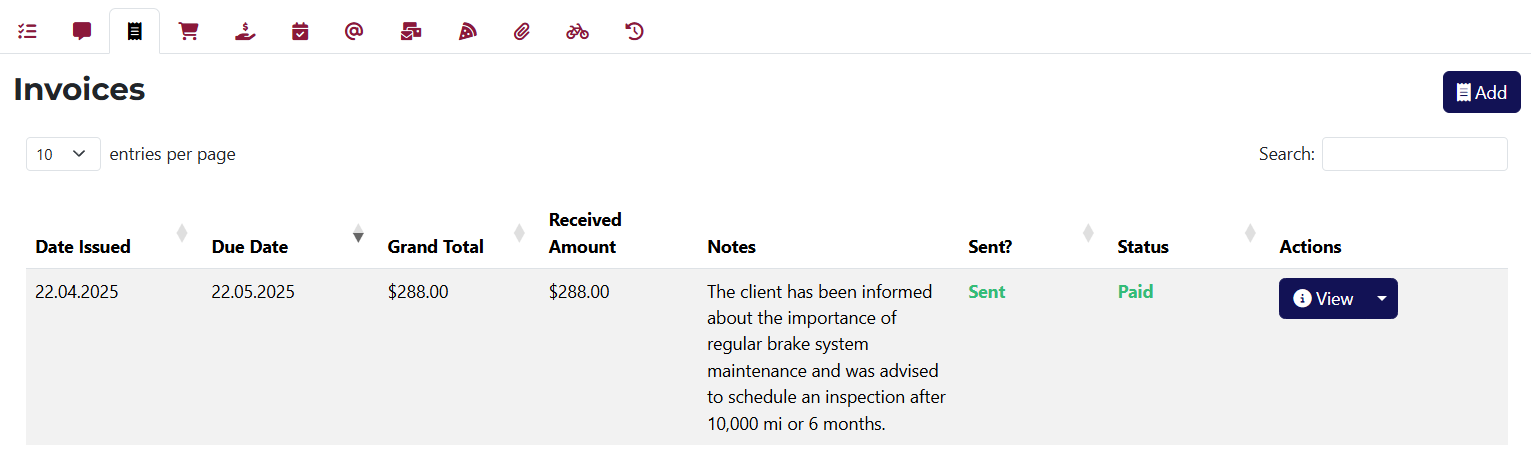 Here is a list of all invoices related to this client.
You can view, edit, duplicate, or delete each invoice.
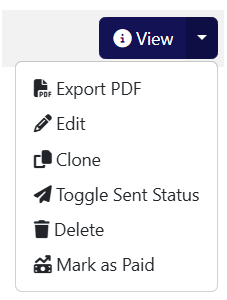
For further information about Invoices, click here.
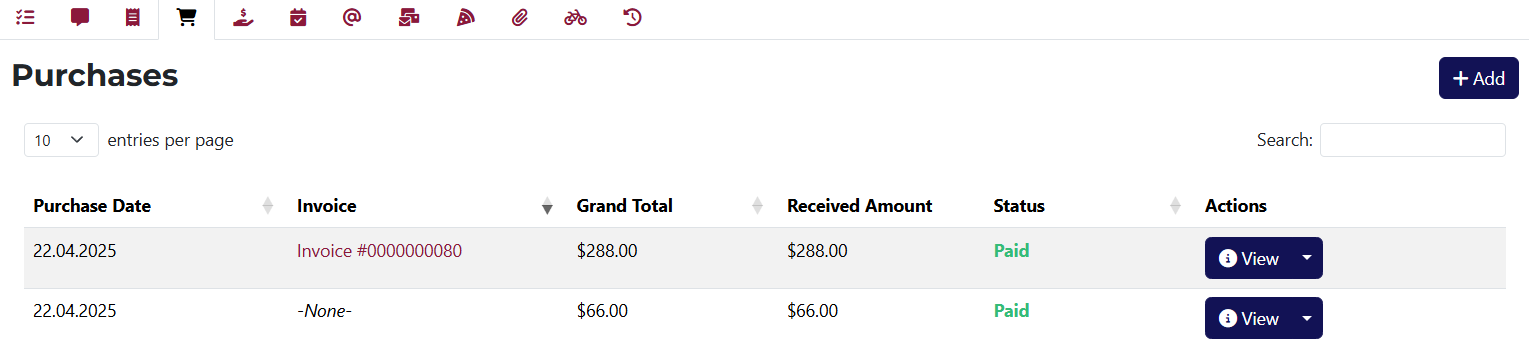 This tab shows all purchases linked to the client.
You can view, edit, duplicate, delete, or change the status of each purchase.

For further information about Purchases, click here.
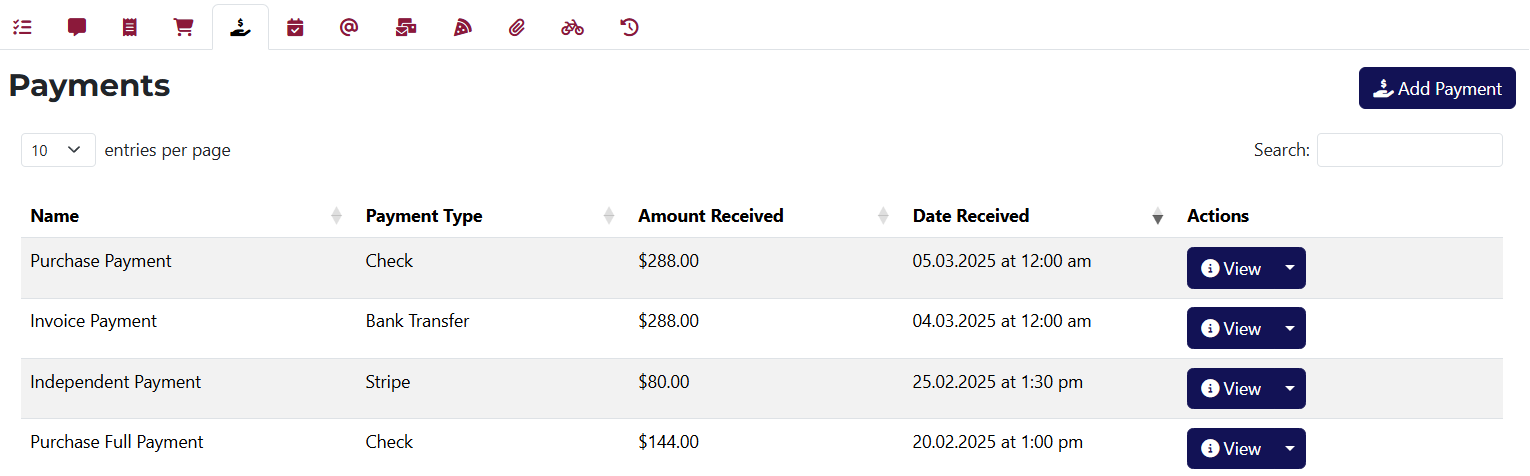
This is the list of all payments made by or linked to the client.
You can view, edit, duplicate, or delete each payment.

To learn more about Payments, click here.
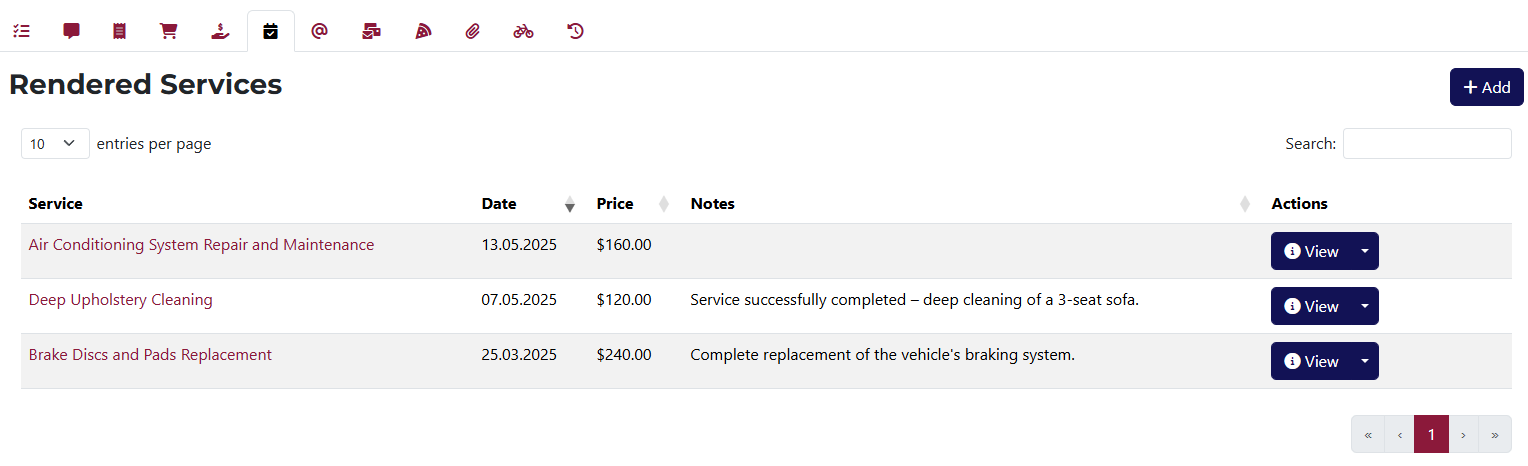
You can add new rendered services for this client here.
You can also view, edit, or delete any rendered service.
More info about Rendered Services is available here.
This tab is divided into two sections — Sent and Pending emails.
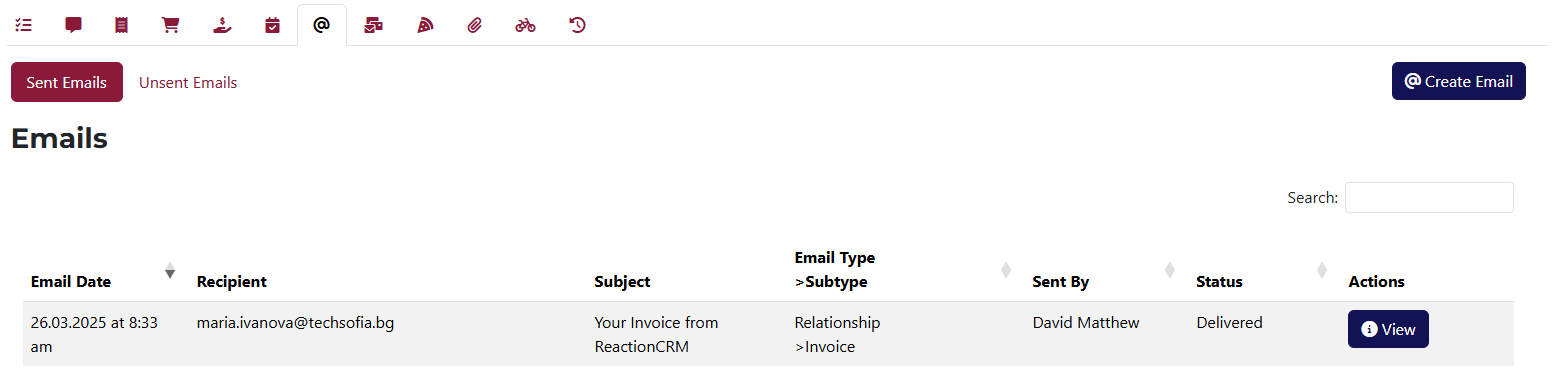
Here you’ll find all emails sent to this client, each with a view button.
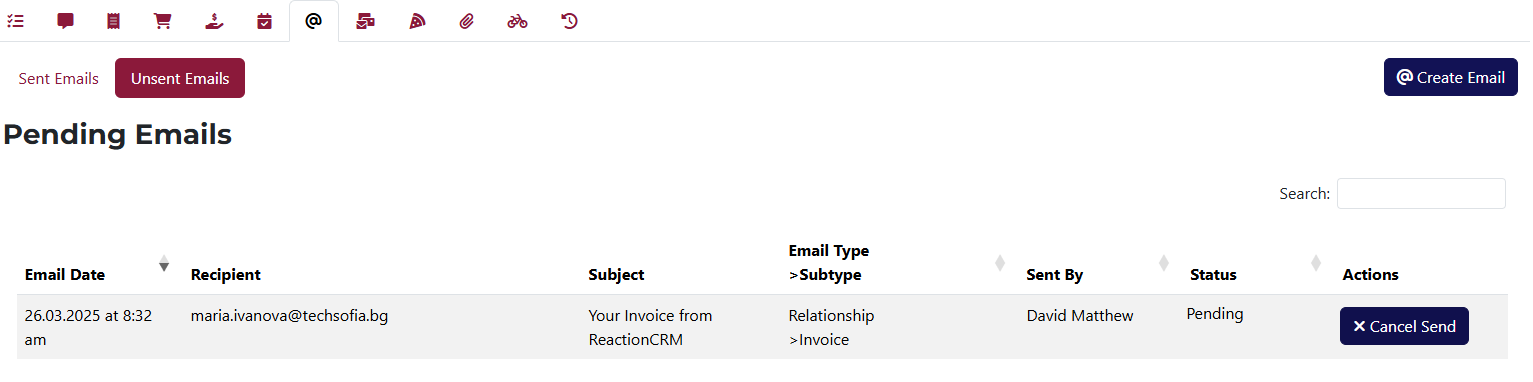
This section shows emails queued to be sent. Each email has a cancel option.

This section lists all letters linked to this client. You can also create a new letter here.
Buttons allow you to view, edit, delete, or change the status of each letter.
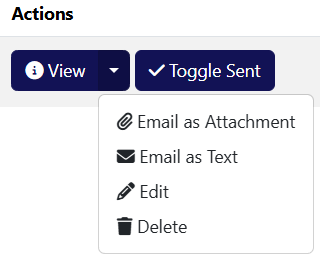
The Actions' dropdown menu includes options for sending the letter as a file or plain text.
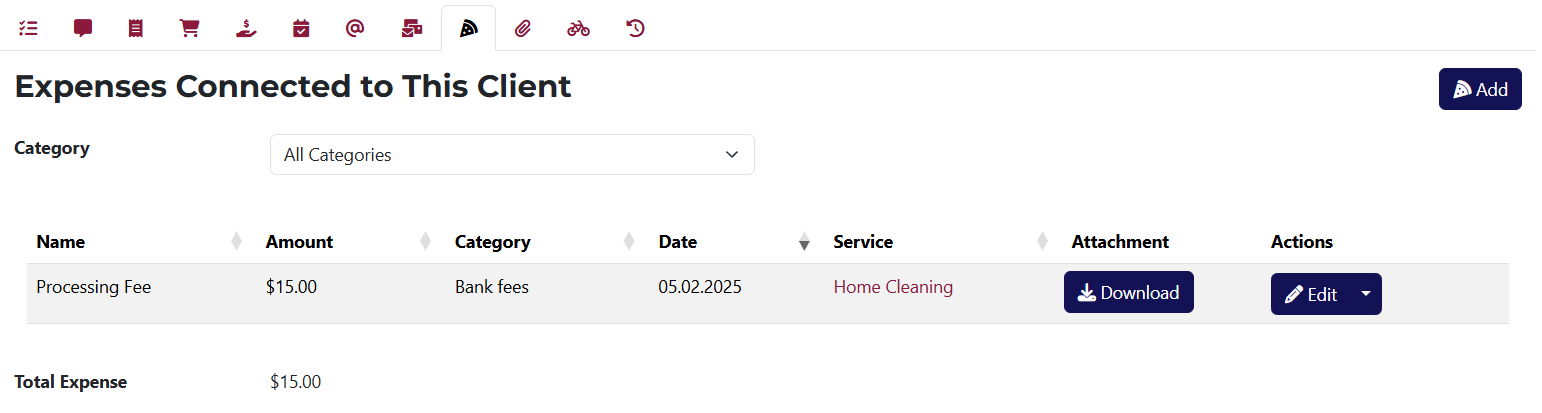
You can add new expenses related to this client here.
Each expense can be viewed, edited, or deleted. If an expense has an attachment, you will have the option to download the file.
For more on Expenses, click here.
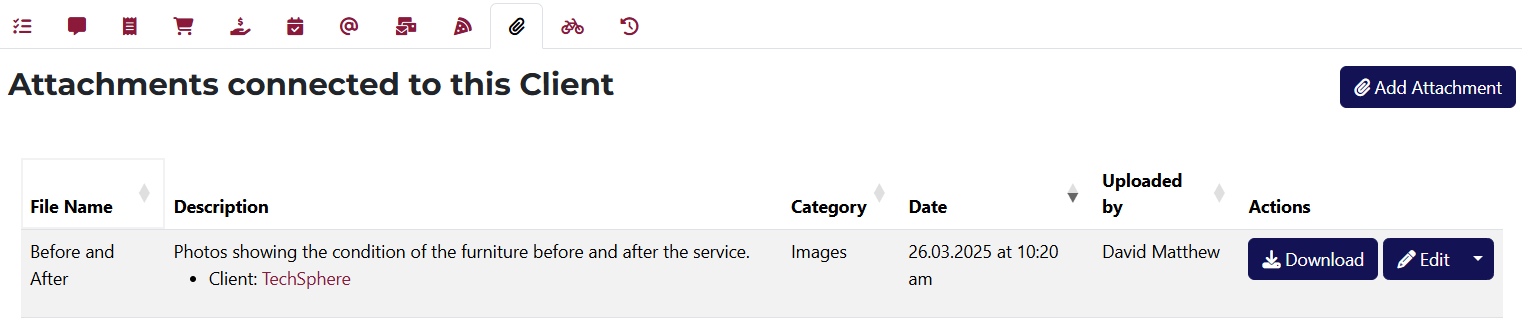
This tab lets you access and upload files related to this client.
You can edit, delete, or download each file.
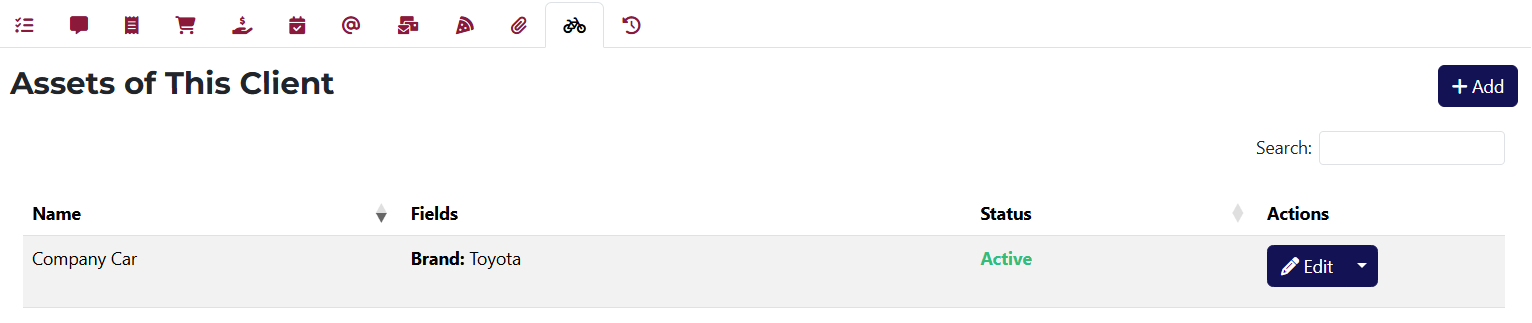
Here you can see and add an asset to this client.
You also have the ability to edit, delete, or add new assets here.
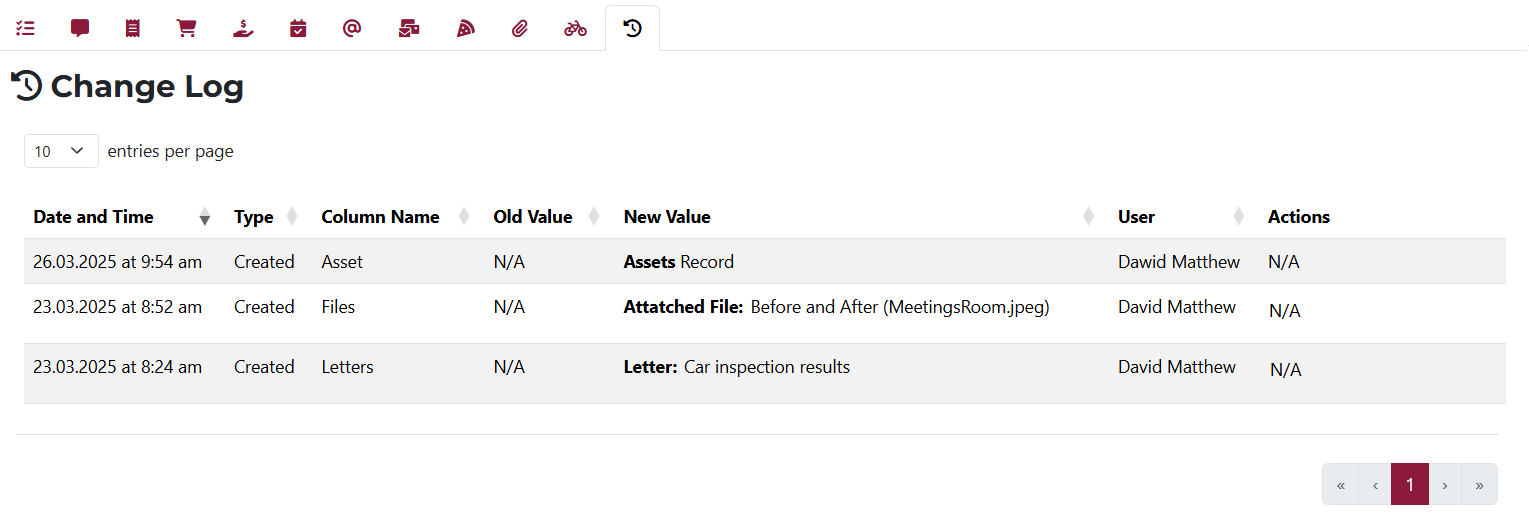
Here you can track all changes made related to this client.
If any action can be undone, you'll see an Undo button in the Actions column.