🗑️ Delete
- Letters
- Templates
- Page Layouts
You can delete a letter from the following pages:
Letters can be deleted from the page where they were originally created. To do so, click the Delete button located in the actions menu of each letter.
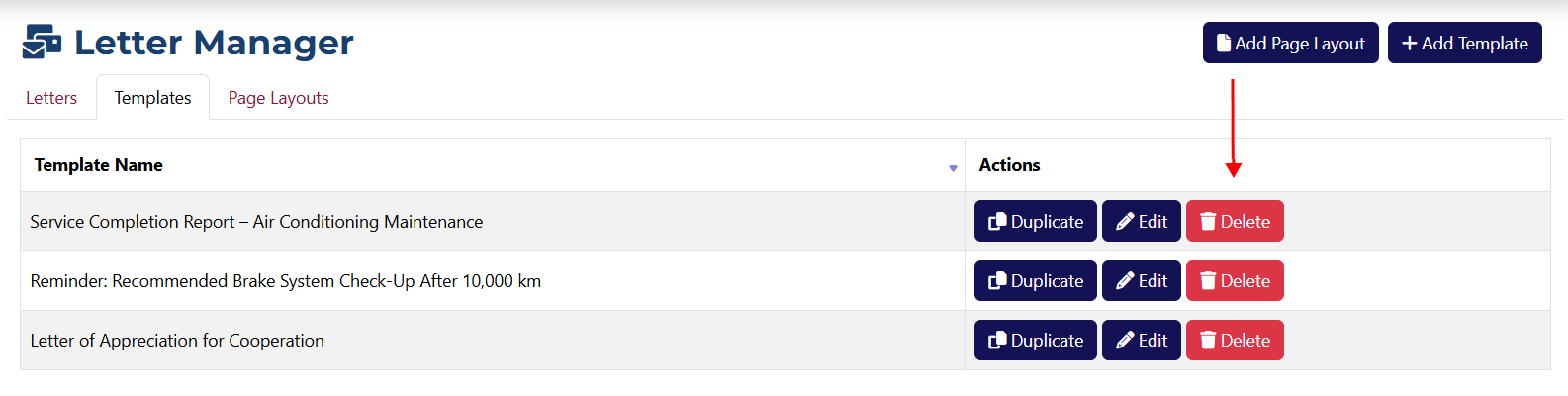
Templates can only be deleted from the Letters View page under the Templates tab. Click the Delete button next to the template you want to remove.
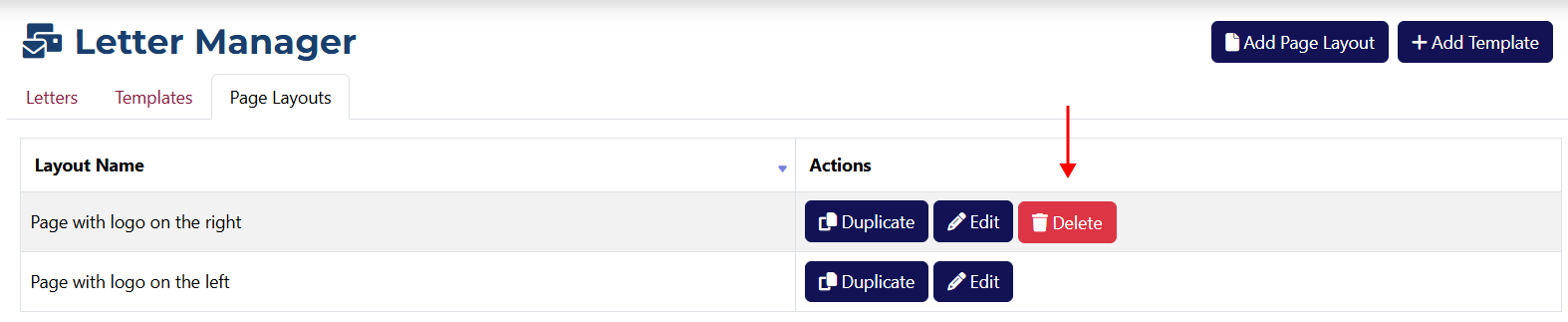
Layouts can be deleted from the Letters View page under the Page Layouts tab. The delete button will be visible only for layouts that haven’t been used to create letters.
danger
Deleting is an irreversible action! You will be asked to confirm that you truly want to delete the item and didn’t click the button by accident.