✏️ Edit
- Letters
- Templates
- Page Layouts
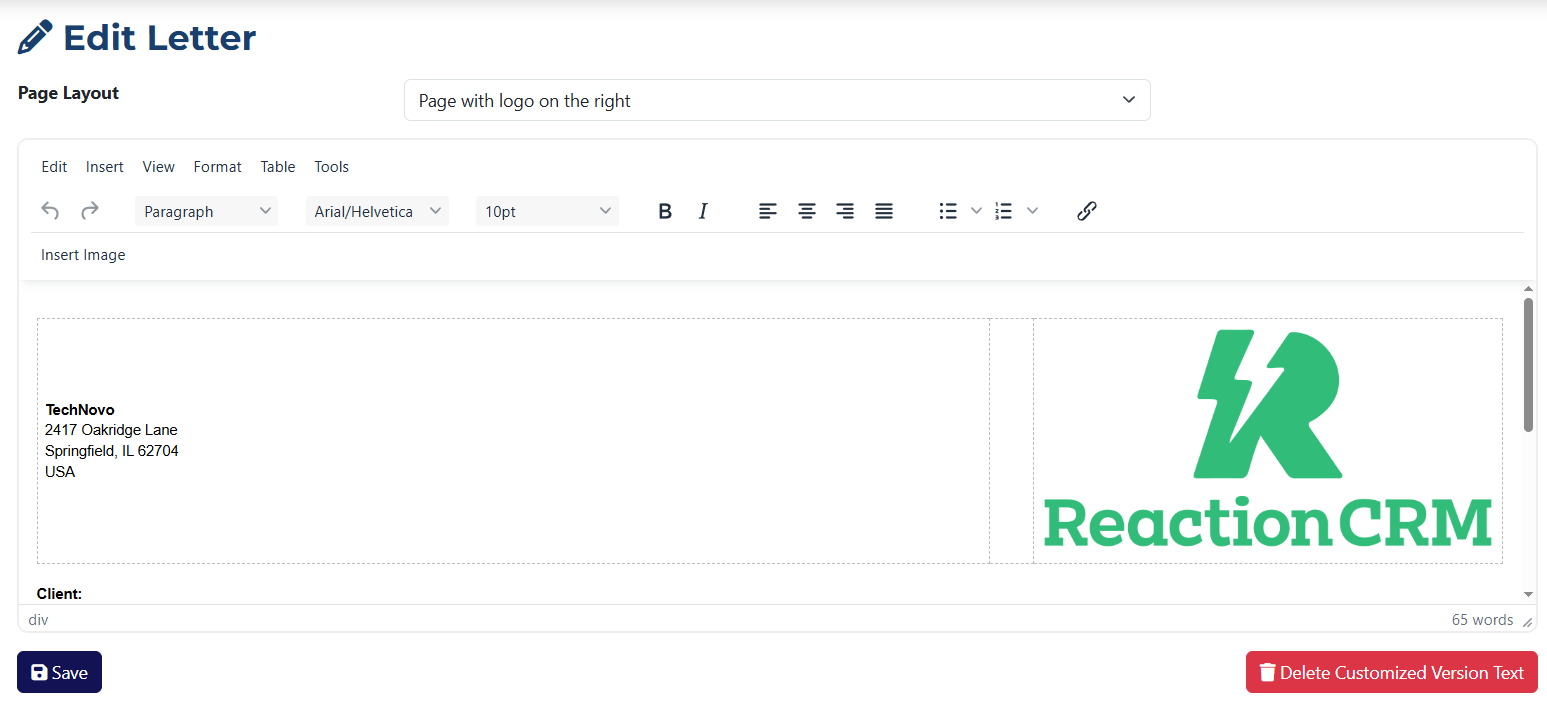
The Edit Letter page allows you to make changes to an existing letter. Key features include:
- Fields are pre-filled based on the template originally used to create the letter.
- You can remove the customized content by clicking the Delete Customized Version Text button.
- You can fully modify the text within the letter.
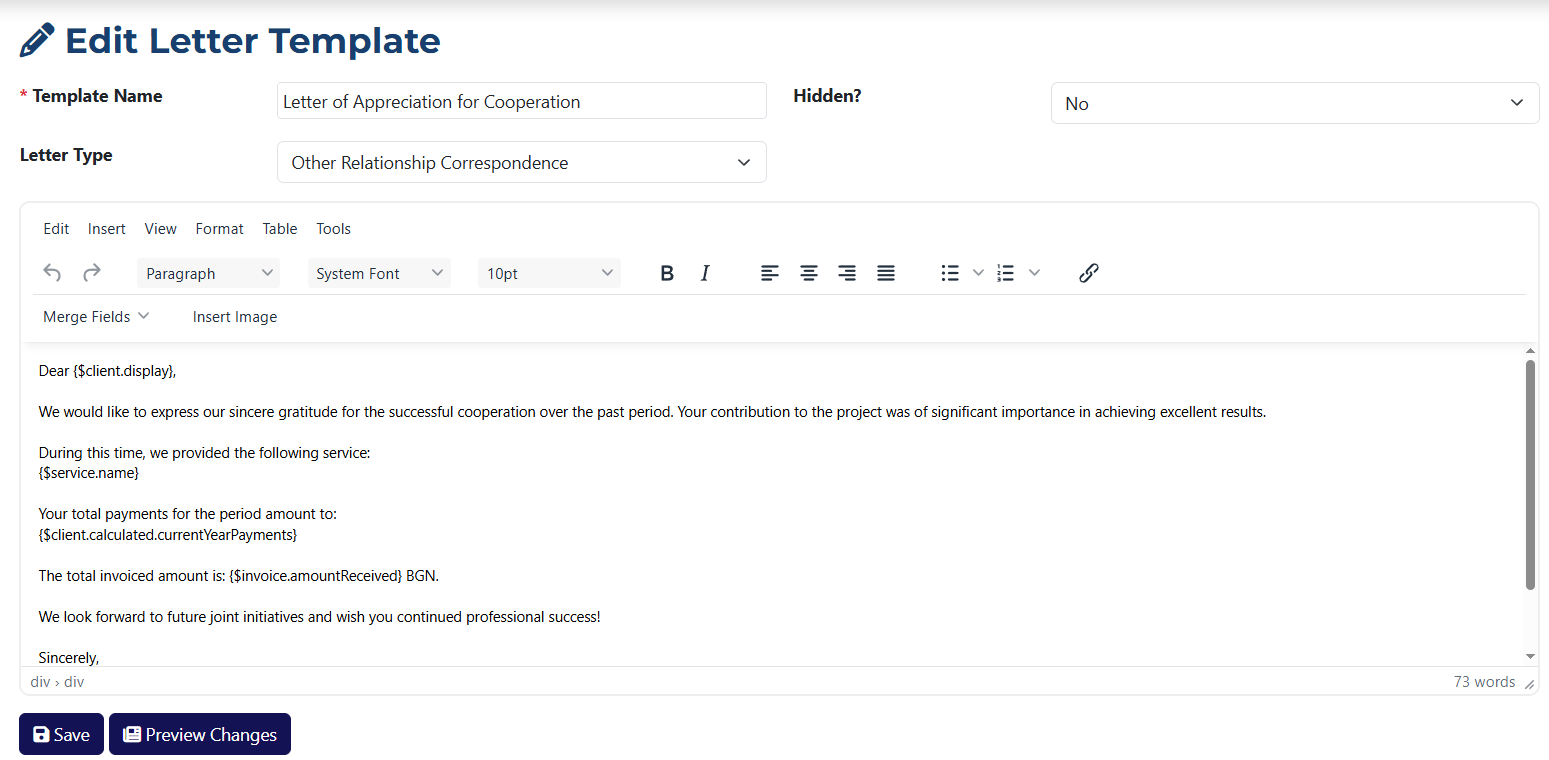
The Edit Template page lets you make changes to an existing template. Key features include:
- All fields are pre-filled with the data of the selected template.
- You can preview how the template will look before saving changes using the Preview Changes button.
- You can fully rewrite the content of the template.
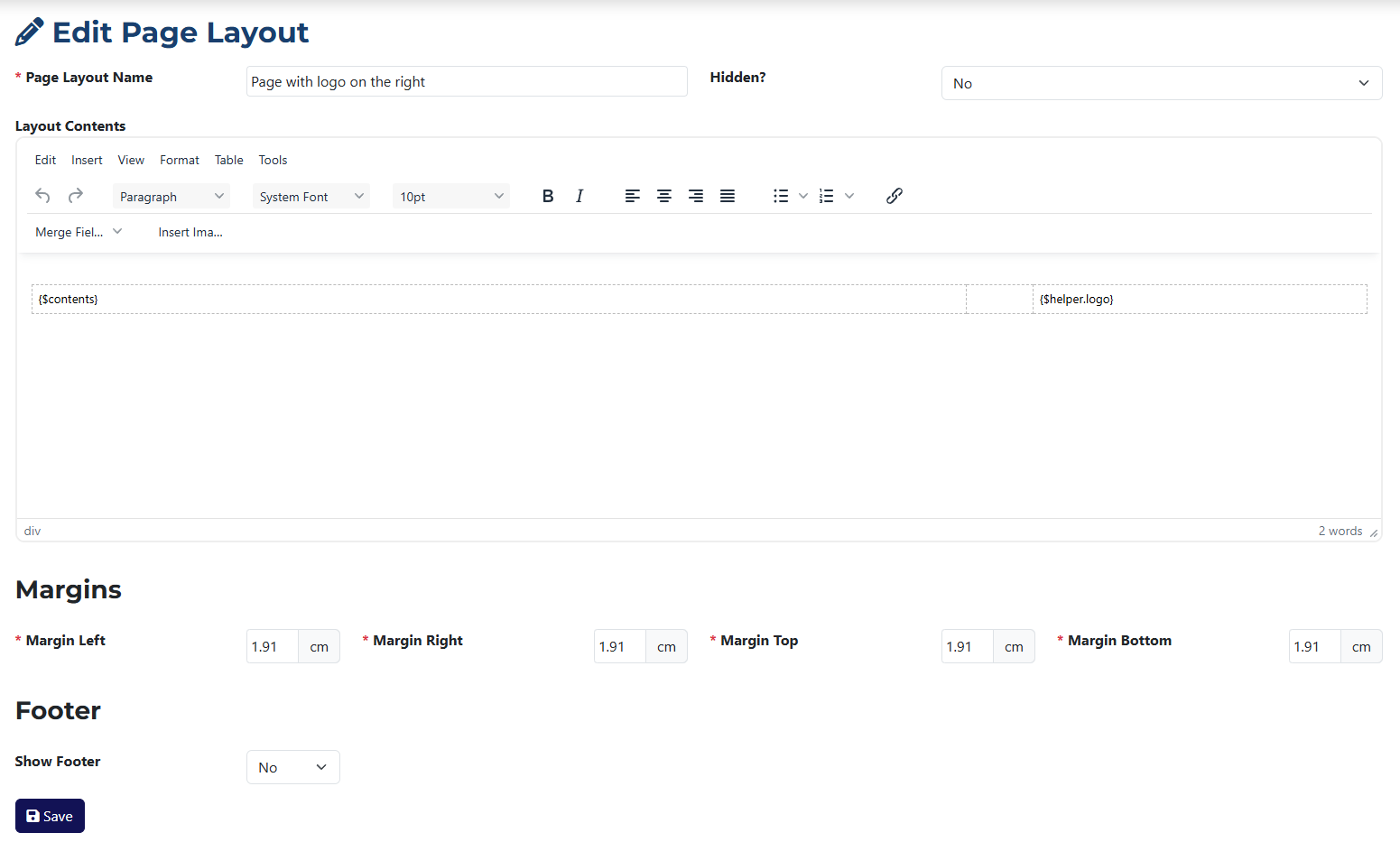
The Edit Layout page is similar to the Add Layout page. The key differences are:
- Fields are pre-filled with the data from the layout you want to edit.
- You can now add a footer to the layout if one wasn't added during the initial creation.