📃 List
This page displays a list of all employees and team members in the organization, including their name, phone number, email, and hire date.
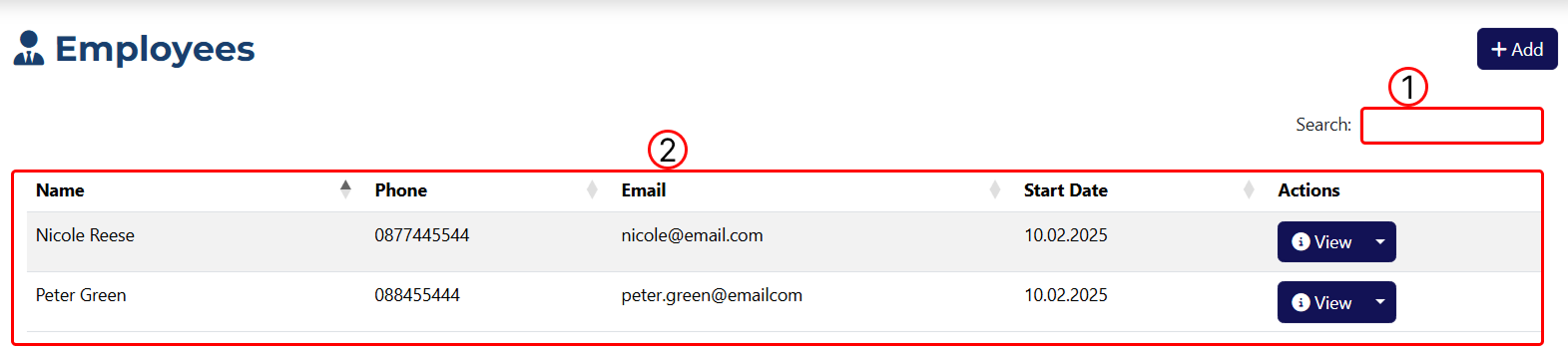
1 In this field, you can enter a keyword to filter the results.
2 A table showing all employees you have added to the system.

1 Opens the Employee Overview page.
2 Opens the Employee Edit page.
2 Deletes the employee. After clicking the button, a pop-up window will appear asking you to confirm or cancel the deletion.