👁️ Overview
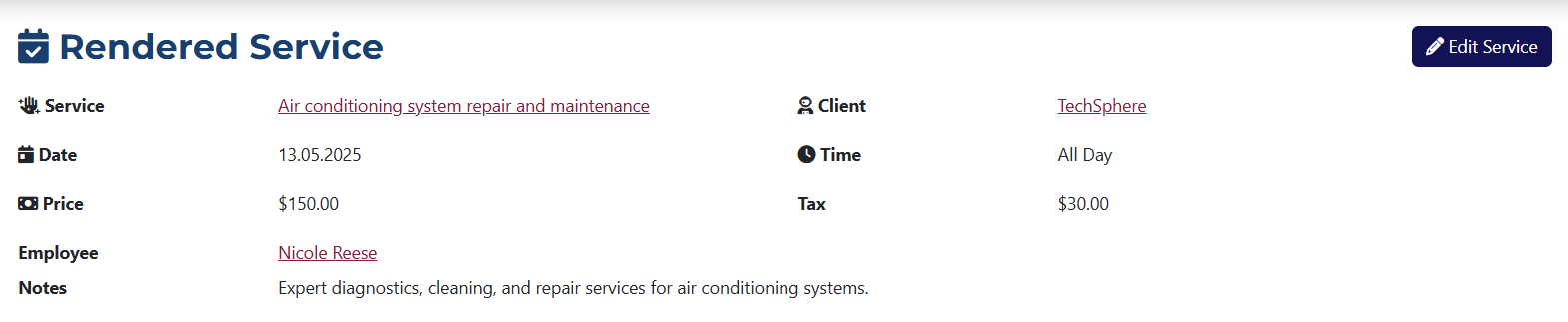
This page displays the following information:
- Service – the name of the service that was rendered, with a link to its page.
- Client – the name of the client who received the service, with a link to their profile.
- Date – the date the service was rendered.
- Time – the time of service, either as a time range or marked as all day.
- Price – the price of the rendered service.
- Tax – VAT applied to the service price.
- Employee – the name of the employee who provided the service, with a link to their profile.
- Notes – additional information about the rendered service.
📁 Tabs
- Tasks
- Emails
- Letters
- Invoices
- Purchases
- Change Log
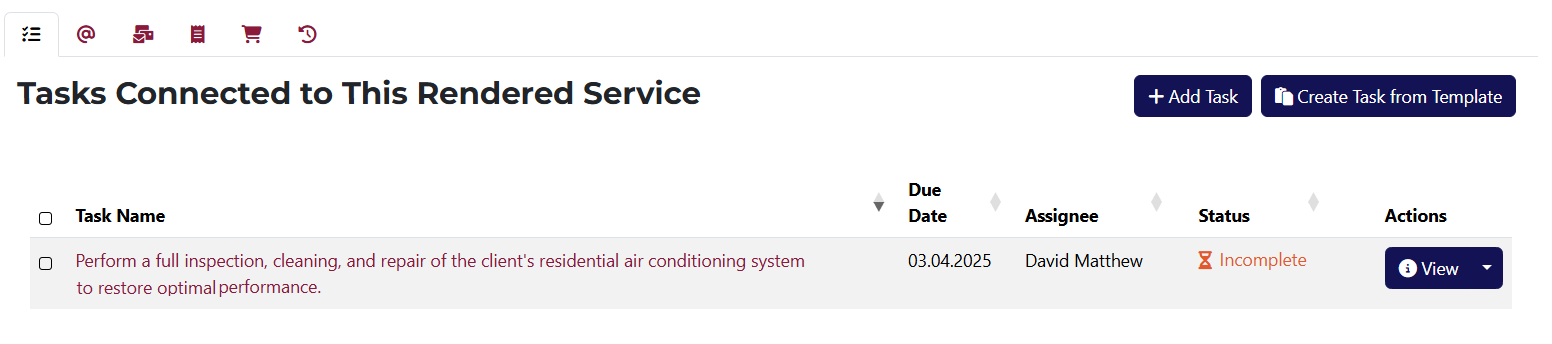
From here, you can add a new task or a task based on an existing template related to this rendered service.
You can also view a list of all tasks associated with this rendered service, including their title, due date, assignee, and status.
Each task has buttons for viewing, editing, creating a template, and deleting.
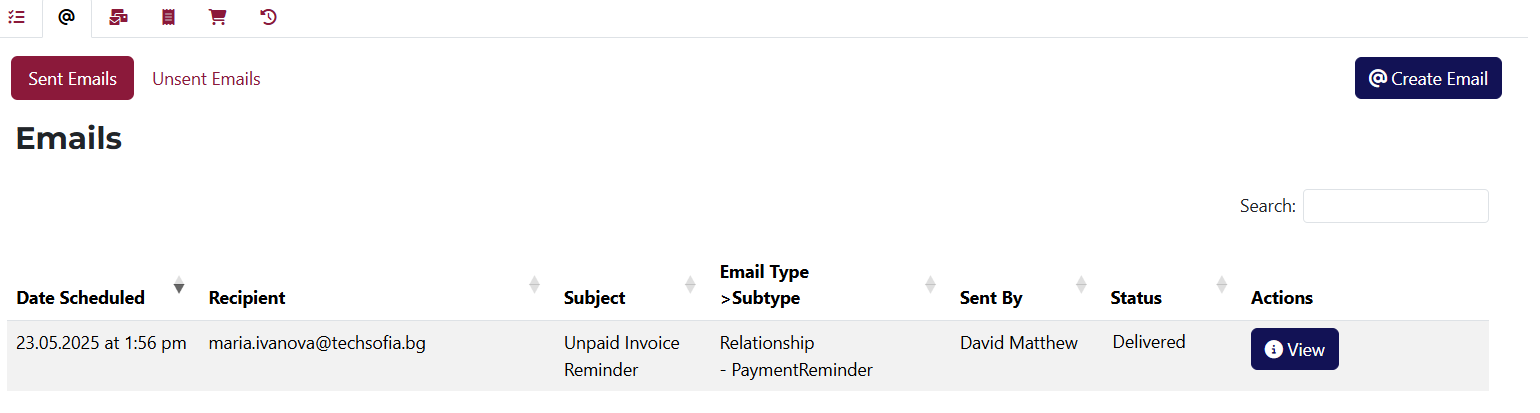
Displays all sent and unsent emails related to this rendered service. Each email has a view button.
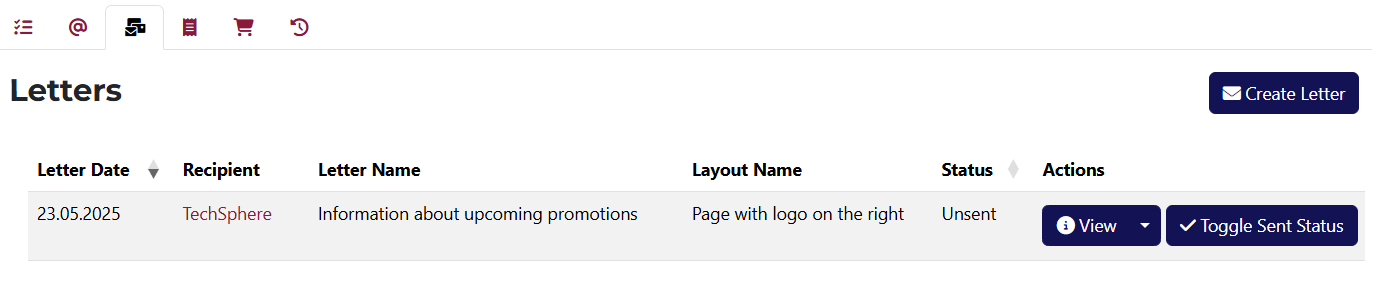
Displays all letters related to this rendered service. Each letter has a view button, and you can create a new letter from here.
You also have access to buttons for viewing, editing, and deleting each letter.
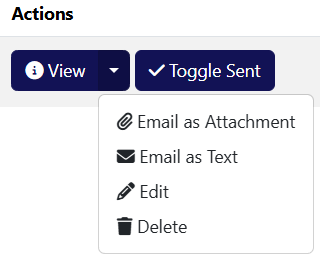
The dropdown on the action button includes options to send the letter as a file or as text.
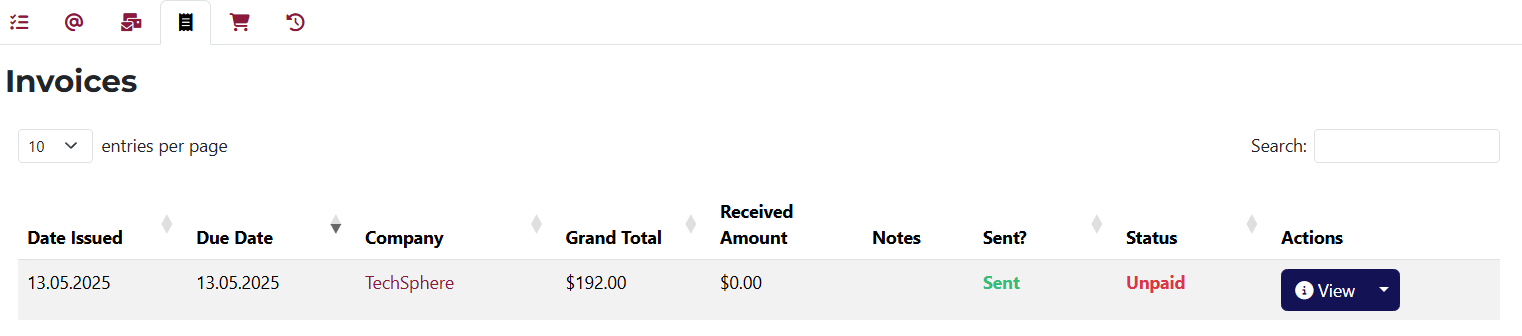
A list of invoices related to this rendered service.
Each invoice has buttons for viewing, editing, and deleting.
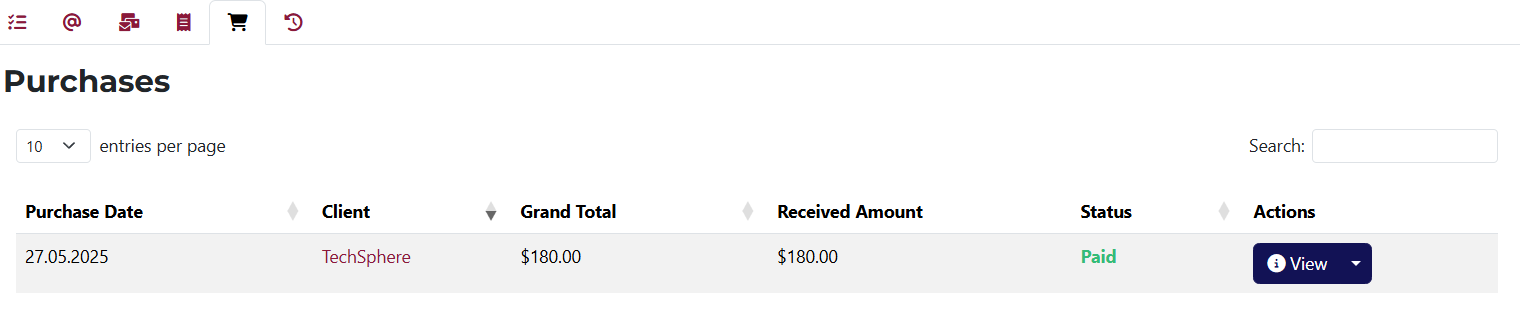
A complete list of all purchases associated with this rendered service.
Each purchase includes buttons for viewing, editing, deleting, and changing its status.

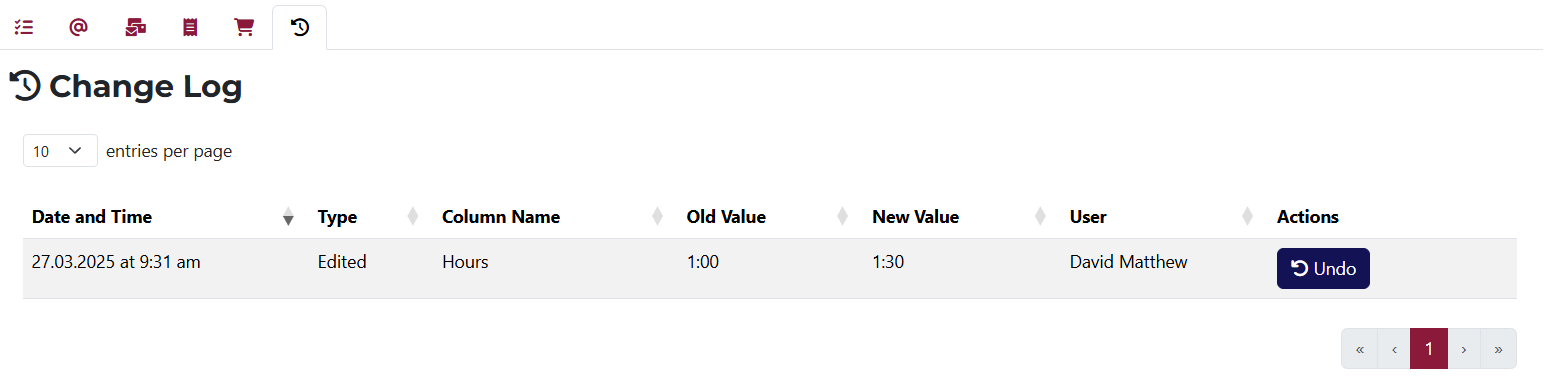
This tab displays all changes made to the rendered service. If a change can be undone, you’ll see an Undo button in the Actions column.