✏️ Edit
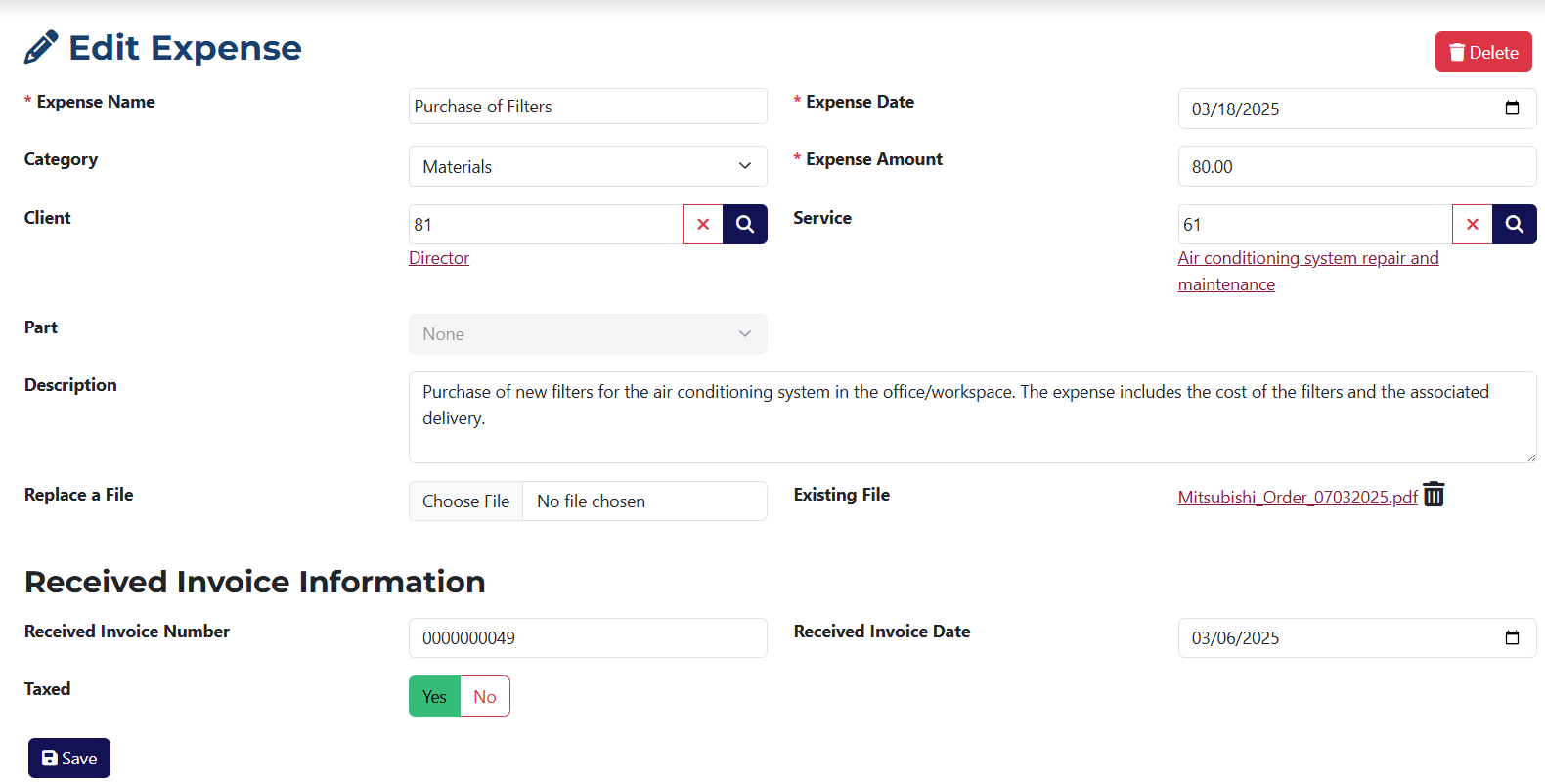
The Edit Expense page is similar to the Add Expense page. The differences are:
- The fields are pre-filled with the data of the expense you want to edit.
- You can delete the expense using the Delete button.
- You can update any part of the expense by changing existing values or adding new ones.
- You can remove an attached file or add a new one.