➕ Add
On this page, you can add new tasks and templates to the system. To access the add pages, go to Tasks from the sidebar menu, and you’ll find the add buttons in the top right corner of the screen.
- Tasks
- Task Templates
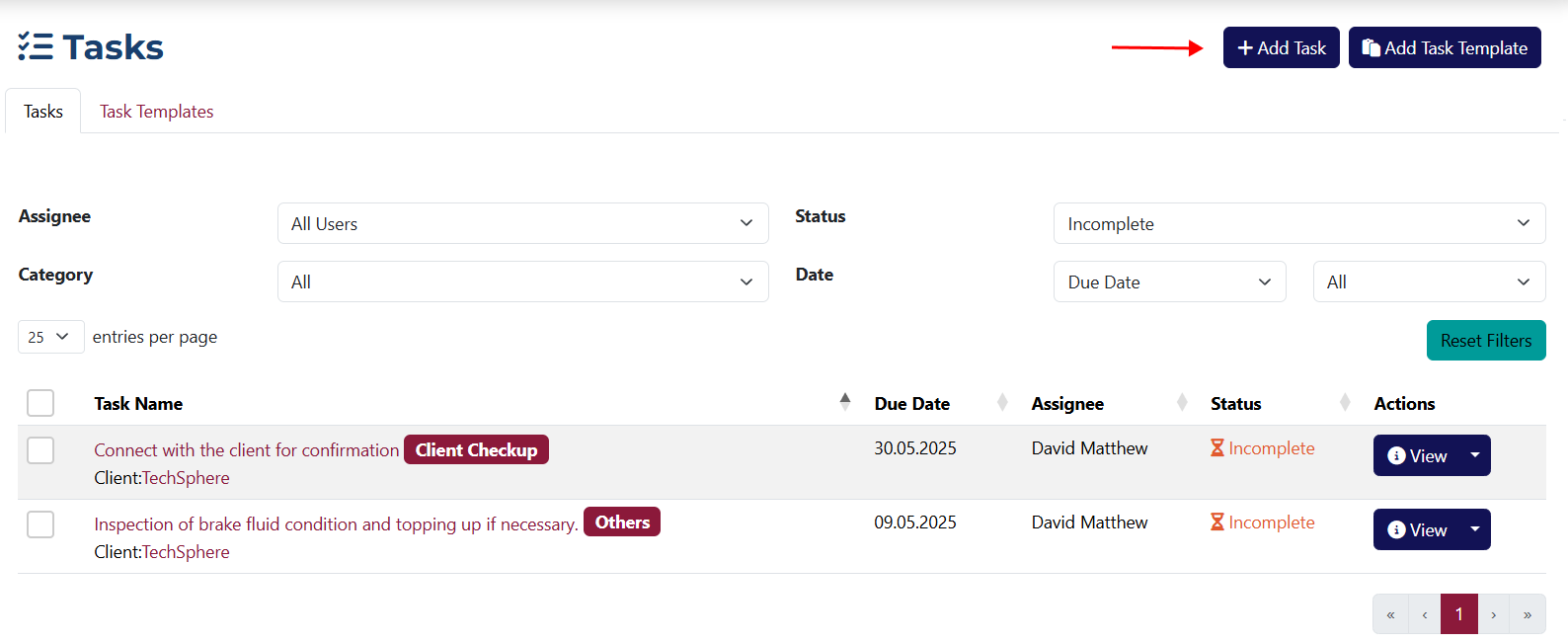
Add a Task
This page contains all the fields required to create a new task.
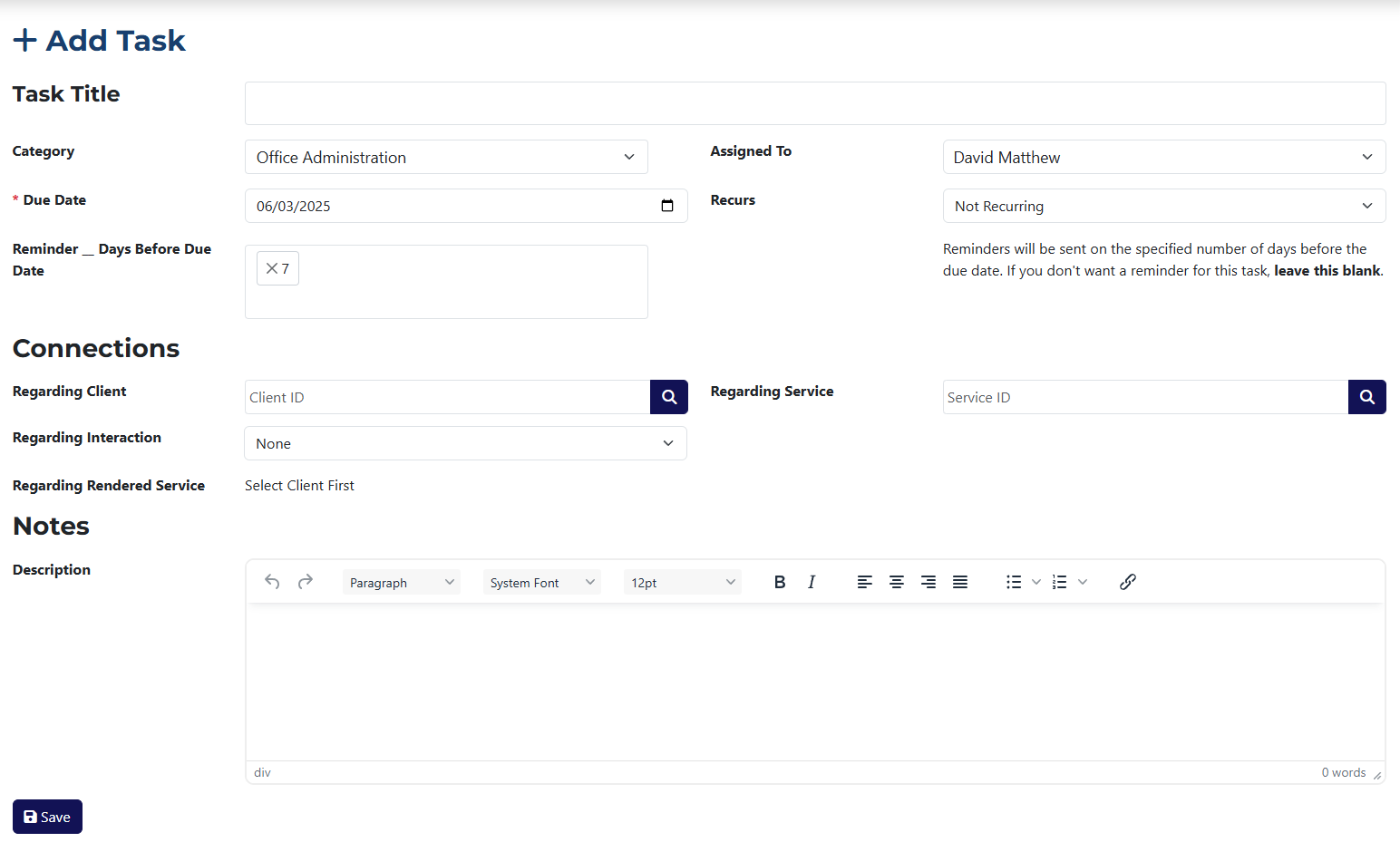
The form includes the following fields:
- Task Title – the name of the task you’re creating.
- Category – choose a category (already created under System Settings) to assign the task to.
- Due Date – this field is requried. It defines the deadline for the task.
- Reminder __ Days Before Due Date – choose how many days before the deadline the assigned user should receive a reminder.
- Assigned To – select the user to whom the task should be assigned.
- Recurs – use this dropdown to set a repetition interval for the task.
- Regarding Client – click on the icon 🔍Popup with a list of all clients
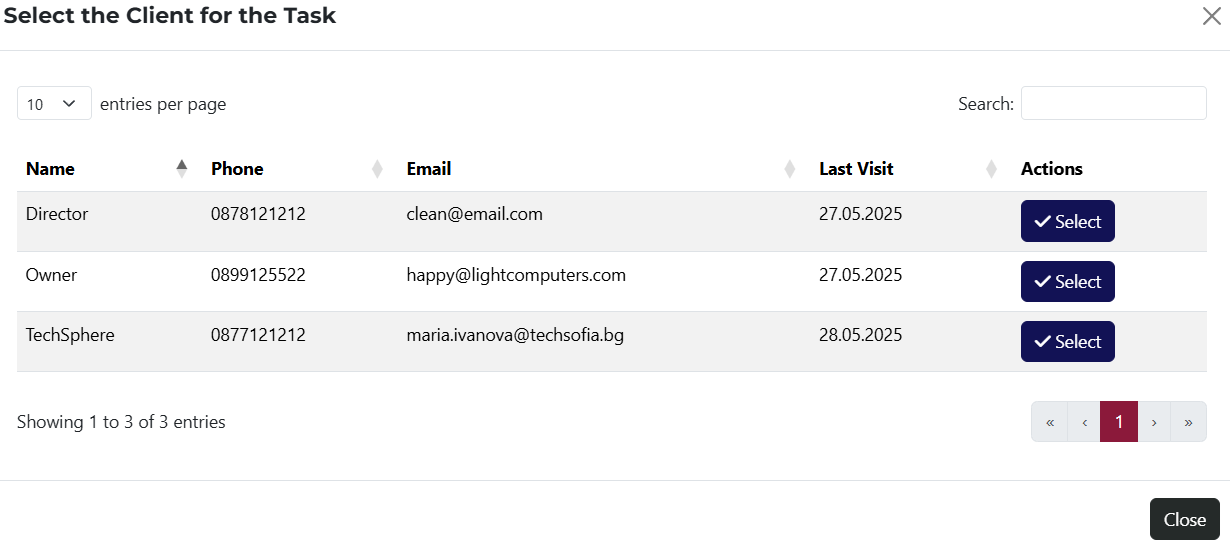 to select a client from the system to link the task to.
 - Regarding Rendered Service – select a Rendered Service related to the client from this dropdown.
- Regarding Interaction – select an interaction related to the client from this dropdown.
- Related to Service – click on the icon 🔍Popup with a list of all services
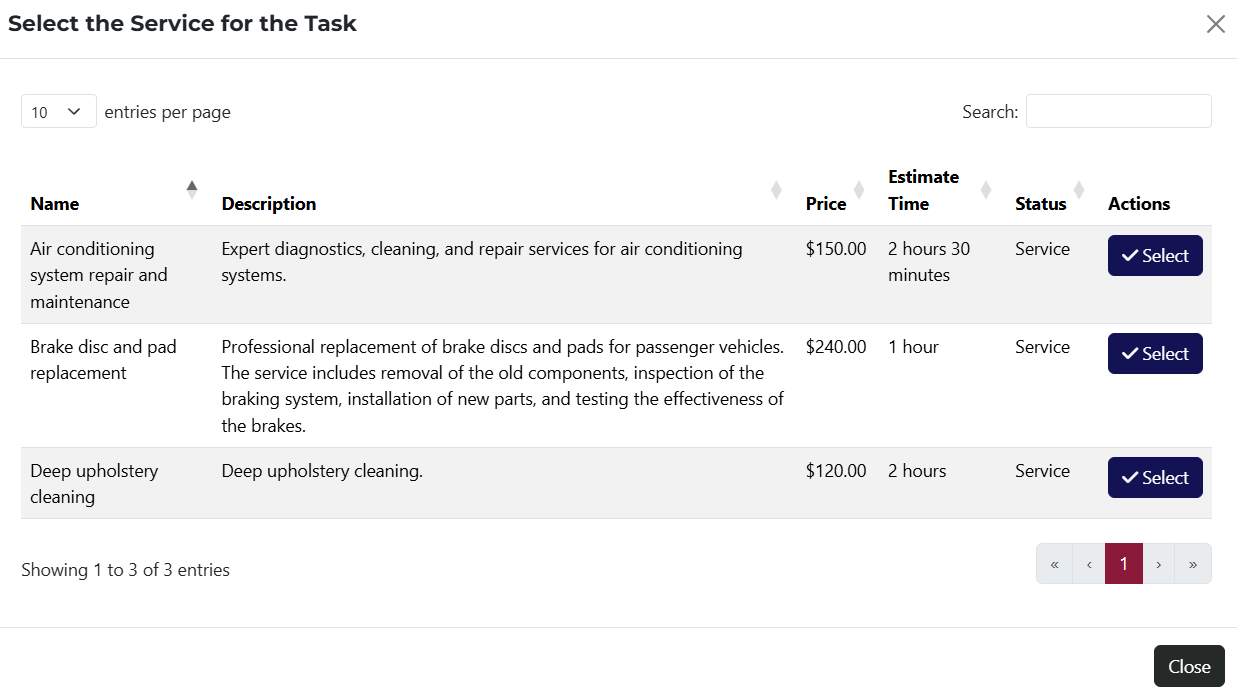 to open a popup and choose a service to link.
 - Notes – additional information about the task can be added here.
info
The fields Regarding Rendered Service and Regarding Interaction will only appear if a client has been selected in the Regarding Client field.
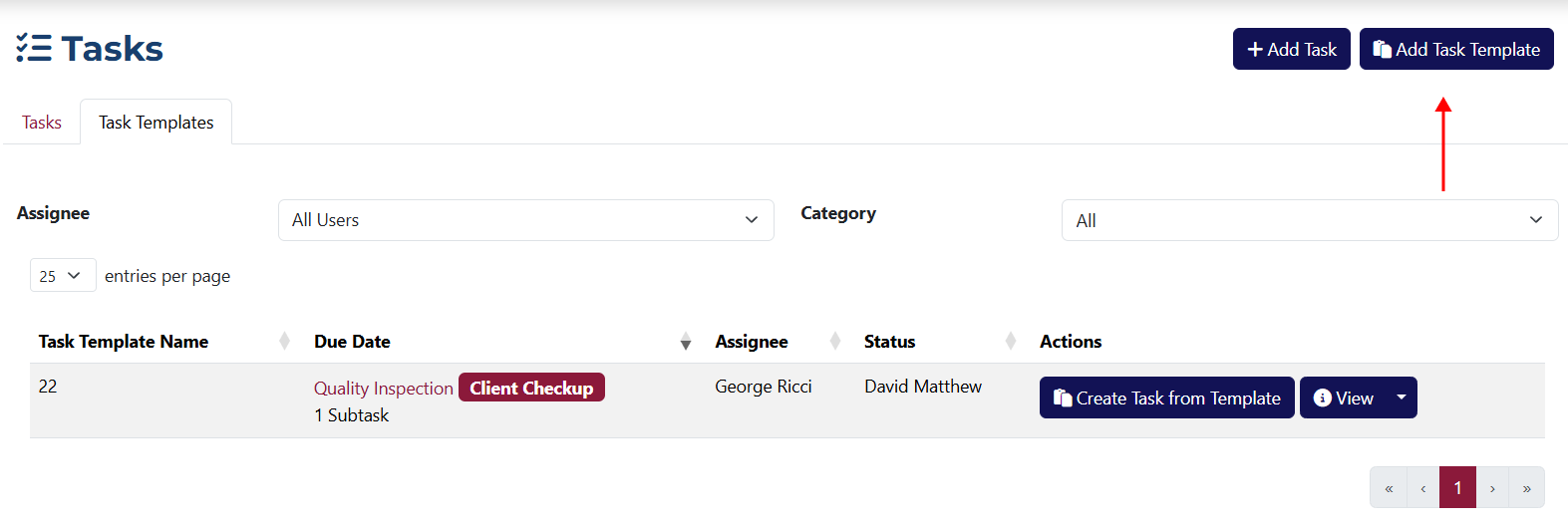
Add a Template
This page contains all the fields required to create a new template.
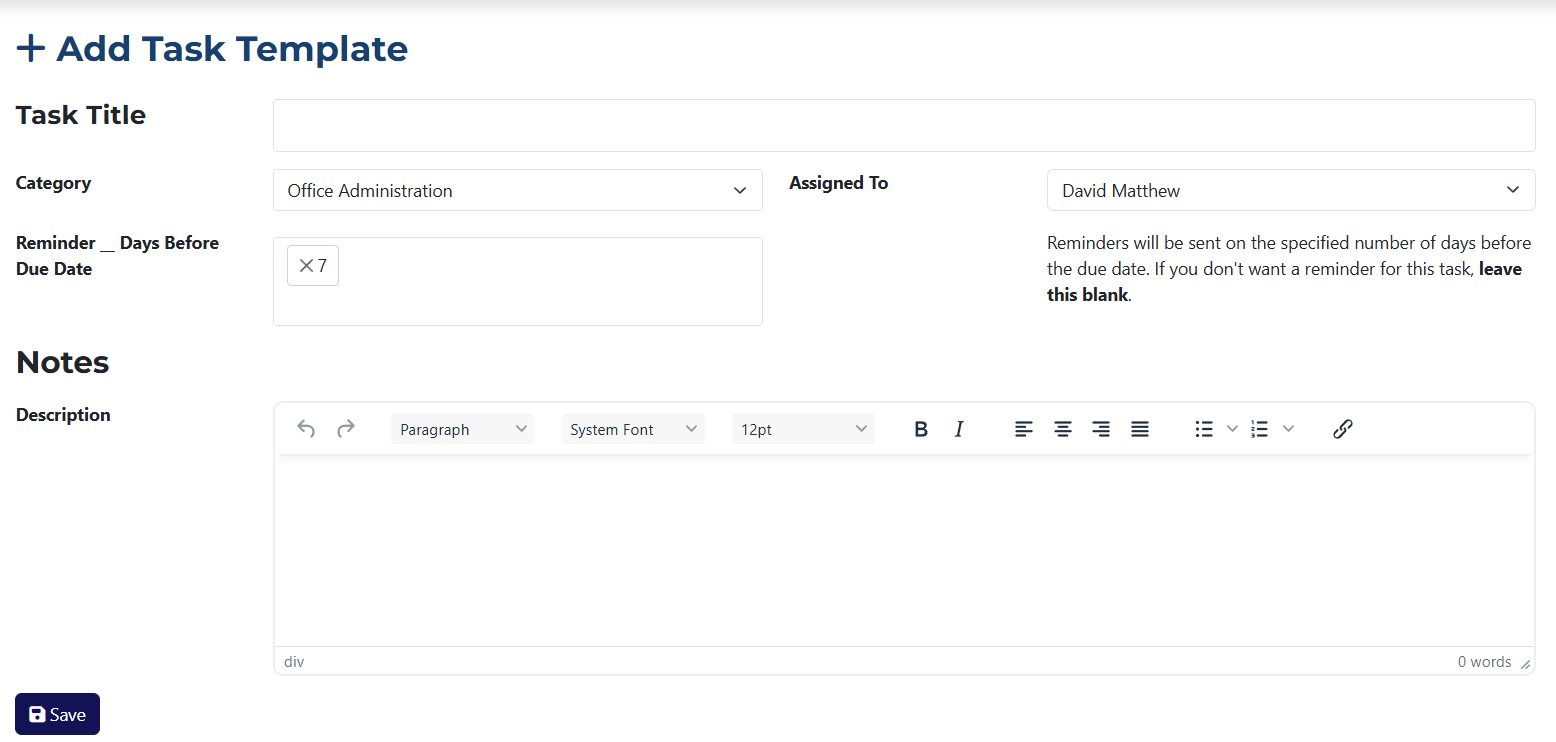
- Task Title – the name of the template you're creating.
- Category – choose the category the template will belong to.
- Due Date – this field is mandatory. It defines the due date for tasks created from this template.
- Assigned To – select the user to whom tasks created from this template will be assigned.
- Send Reminder – choose how many days before the deadline the assigned user should receive a reminder.
- Notes – you can add any extra information related to the task template here.