📋 Reports
This page lists the key reports and insights available within the system. Each report offers specific data on your clients, services delivered, payments received, and invoices issued. You can leverage these reports for in-depth analysis, to track transaction history, and to make well-informed decisions.
To get the most out of this module, we recommend reviewing it last. This approach will give you a complete understanding of the system and help you fully leverage the information presented here.
Client Reports
| Name | Description |
|---|---|
| Client List by Birthdate | A report showing clients sorted by their birth date. |
| Client List by Timeframe Invoice Totals | This report details the total invoices issued to a specific client within a defined period. |
| Client List by Timeframe Payment Totals | This report displays the total payments a specific client has made within a given period. |
| Client List | A standard report providing essential client information. |
Invoice Reports
| Name | Description |
|---|---|
| Invoice History | A comprehensive report listing invoices, sortable by issue date or due date. |
| Unpaid Invoices | This report identifies all invoices that have not yet been fully settled. |
Rendered Services Reports
| Name | Description |
|---|---|
| Rendered Services History | A report detailing services that your company has provided. |
Payment Reports
| Name | Description |
|---|---|
| Payment History | This report tracks all payments your company has received. |
Expense Reports
| Name | Description |
|---|---|
| Expense History | A report containing data on expenses incurred by your company. |
Interaction Reports
| Name | Description |
|---|---|
| Interaction Report | Generate a report summarizing your interactions with clients. |
Email Reports
| Name | Description |
|---|---|
| Emails by Date Sent | A report containing data on emails, organized by their send date. |
If you need a report not currently available on this page, you can submit a request. Clicking on the Request New Report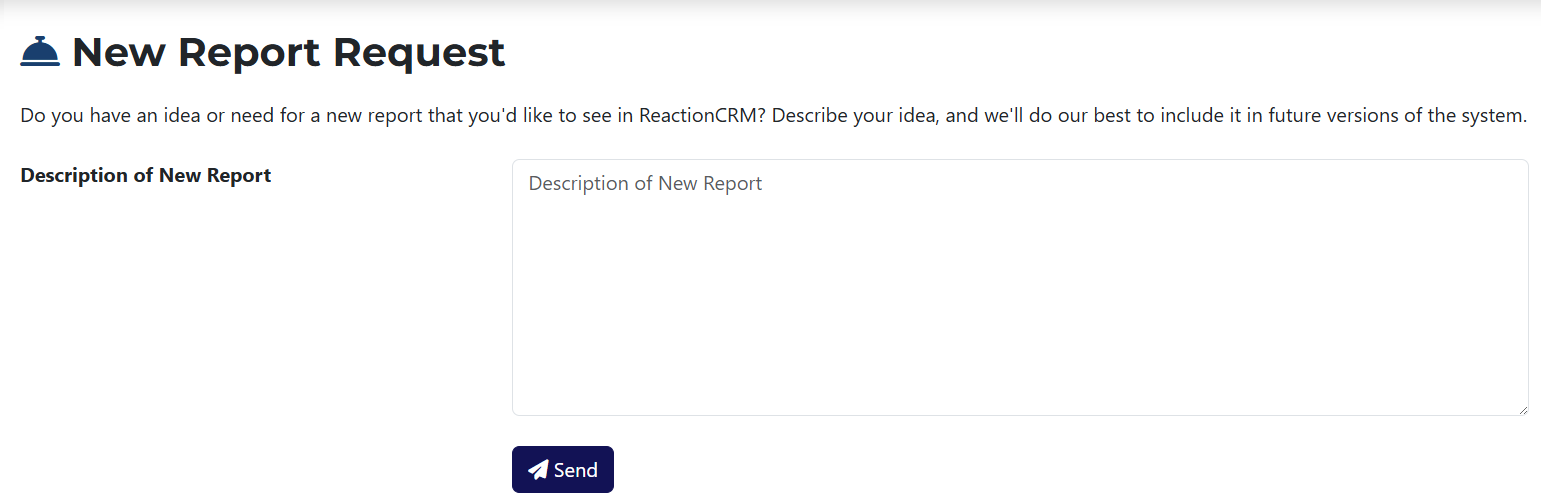 button will redirect you to the submission page. There, you can describe the specific report you'd like us to add to the system.