👁️ Overview
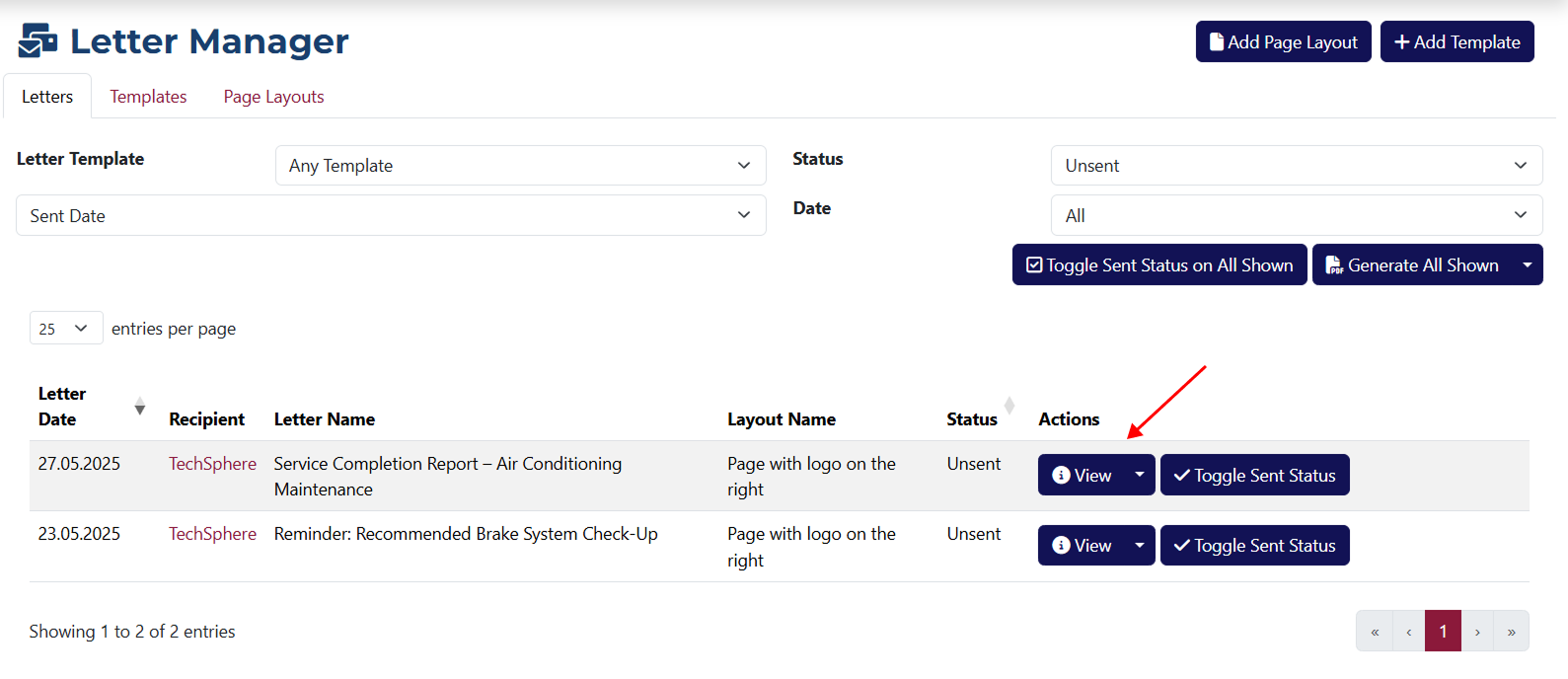
After clicking the View button located on the right side of each row in the table, you will be redirected to a page where you can see what the selected letter looks like.
Here you can see how the selected letter will appear and what information will be included in it.
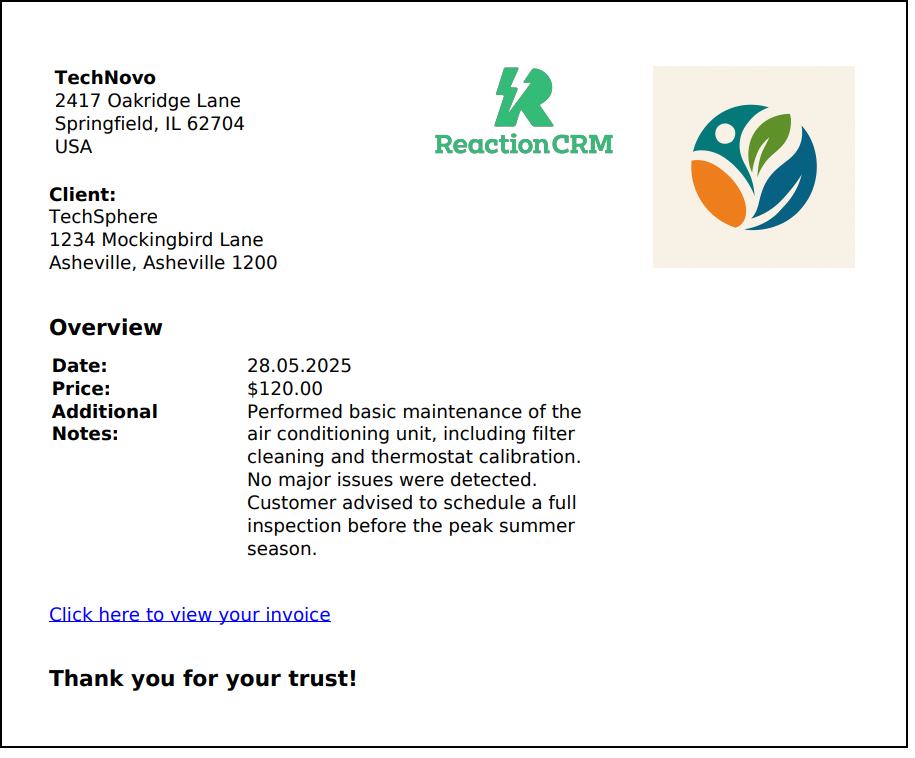
On the same page, you can download the letter as a PDF or print it, as the preview is generated by your browser.
info
Each element of the letter can be edited in the settings of the system, including any logo or attached image.