✏️ Edit
- Tasks
- Templates
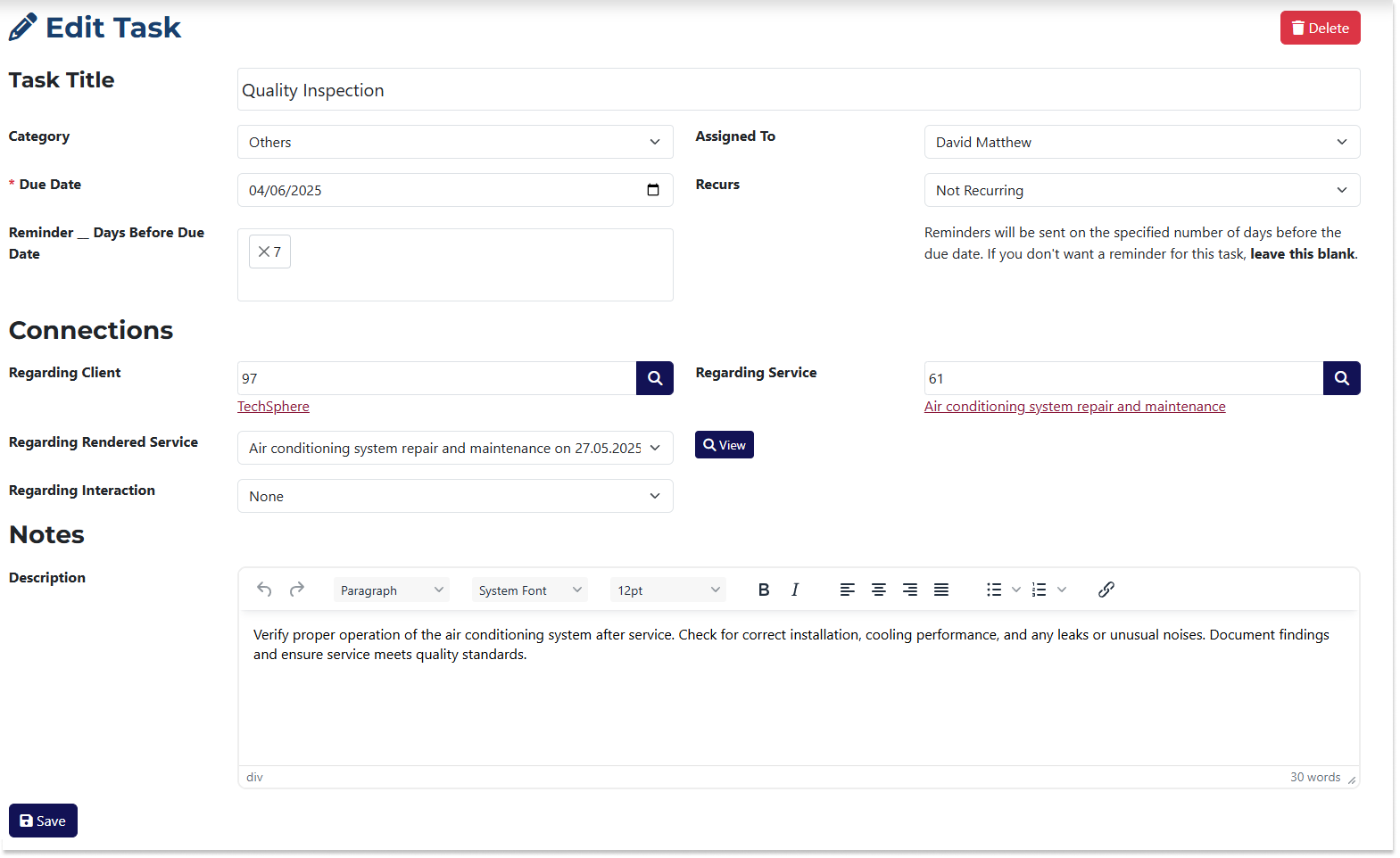
The Edit Task page is very similar to the Add Task page. The differences are:
- The fields are pre-filled with the data of the task you’re editing.
- You can delete the task using the Delete button.
- A Post-Completion Notes field becomes visible when you edit a Completed task.
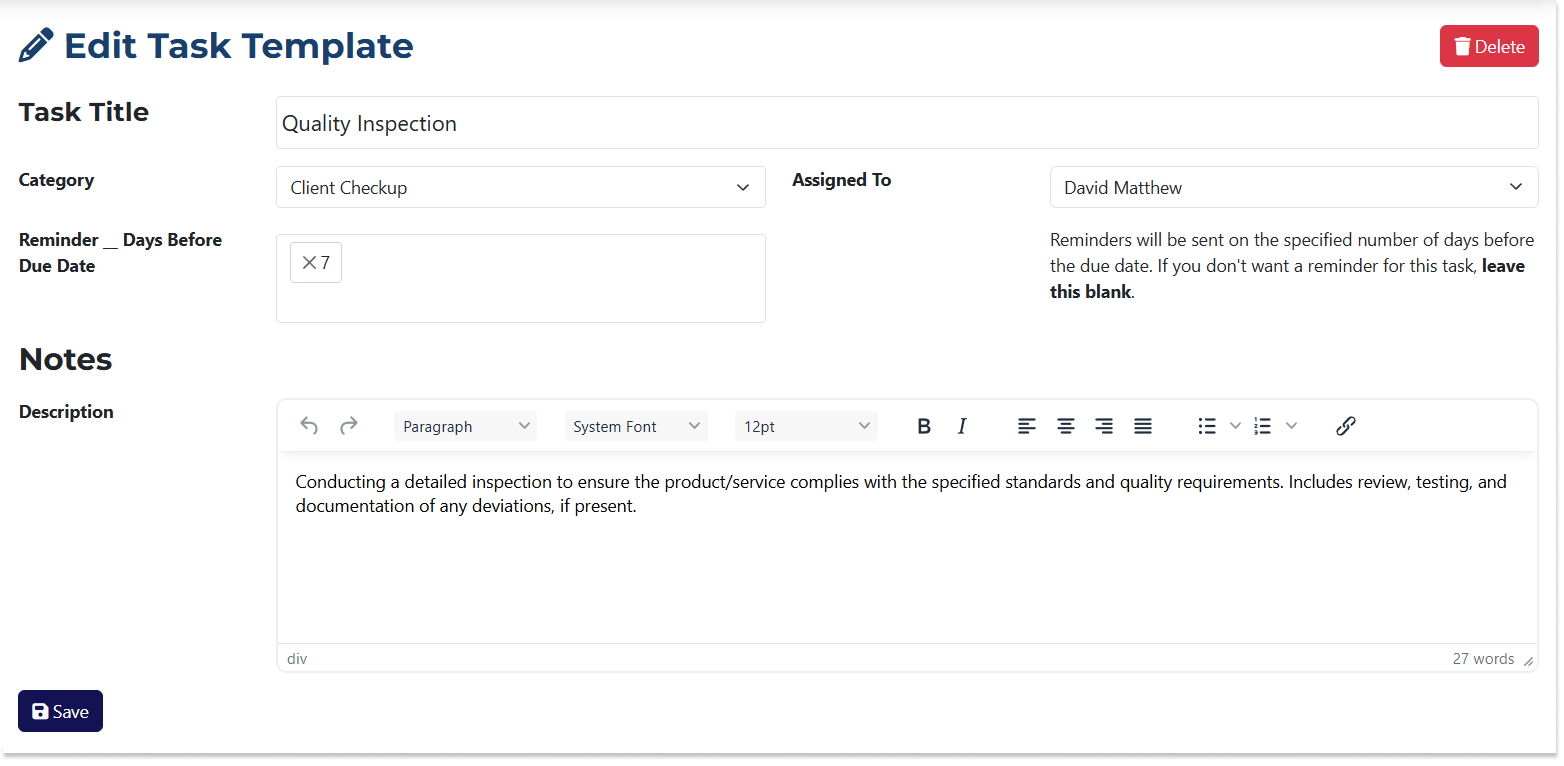
The Edit Template page is also similar to the Add Template page. The differences are:
- The fields are pre-filled with the data of the template you’re editing.
- You can delete the template using the Delete button.