📃 List
This page displays a list of completed services provided to clients, including details such as the service type, client, date, and amount. It’s used to track rendered services and their invoicing.
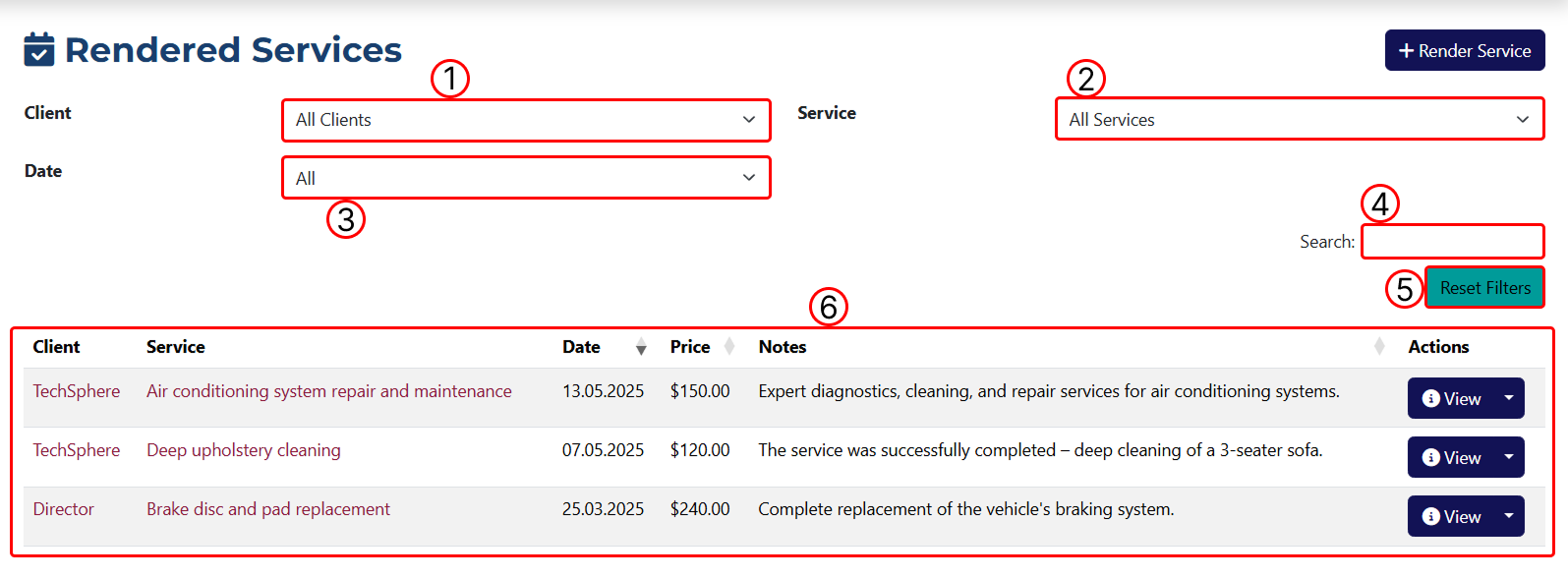 1 Filter results by client.
2 Filter results by service.
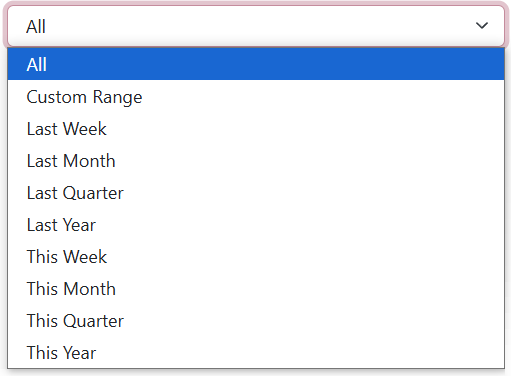
3 Filter by date range.
4 Filter results by keyword.
5 Reset applied filters.
6 Table displaying all results before or after filtering.
info
Choosing Custom Range will open two additional fields where you can manually enter the start and end dates.
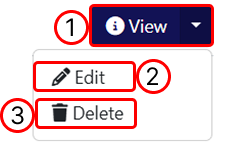
Button functions:
1 Opens the Rendered Service overview page.
2 Opens the page to edit the Rendered Service.
3 Deletes the Rendered Service.