👁️ Overview
This page displays information about a specific service. Here, you can see detailed data and statistics related to that service.
Statistics – a section showing usage data related to the service.
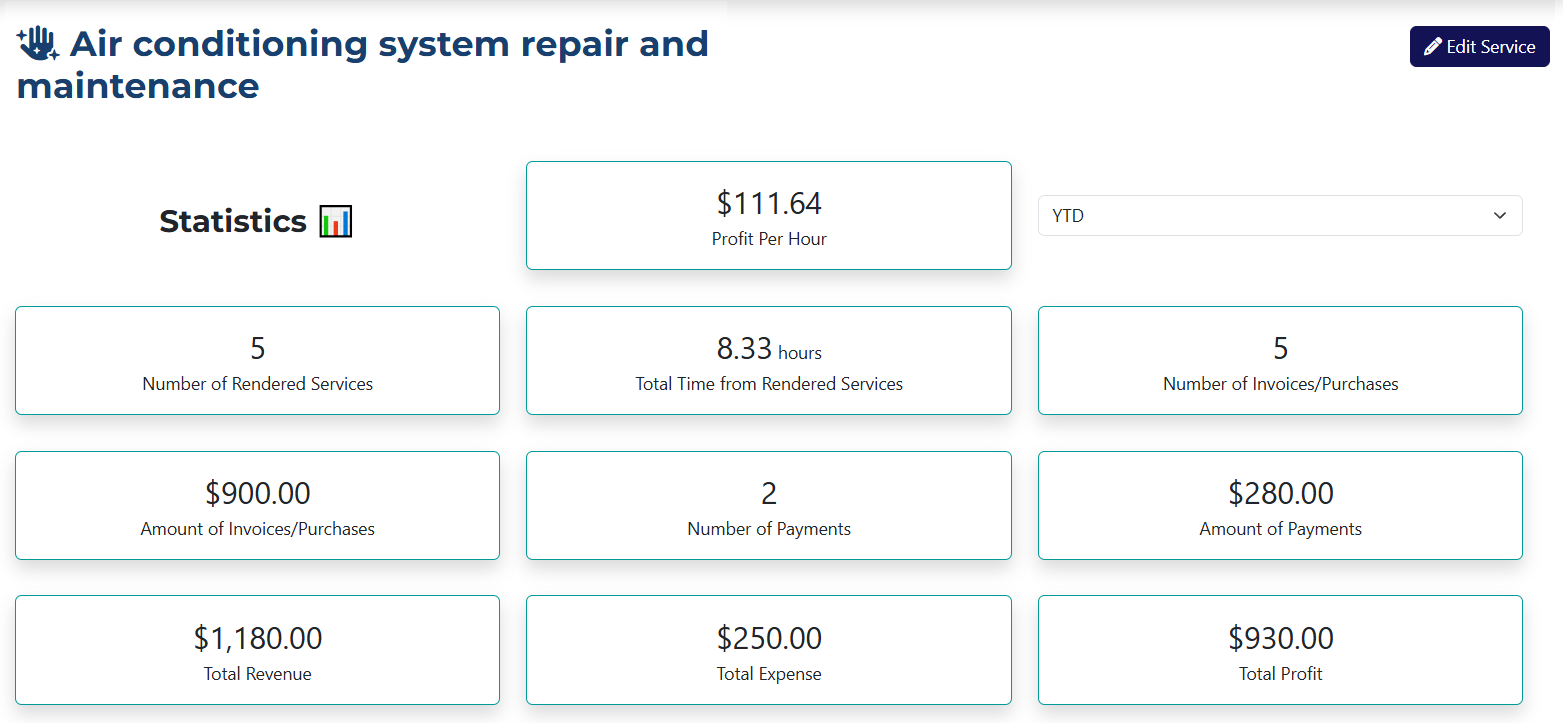
The Statistics Section includes the following information:
- Profit Per Hour – the average hourly profit of the service delivery.
- Number of Rendered Services – how many times the service has been delivered.
- Total Time from Rendered Services – the total duration the service has been delivered.
- Number of Invoices/Purchases – the total number of invoices and purchases related to this service.
- Amount of Invoices/Purchases – the total value of related invoices and purchases.
- Number of Payments – the total count of individual payments.
- Amount of Payments – the total value of the individual payments.
- Total Revenue – the combined value of all invoices and payments.
- Total Expense – the sum of all expenses related to delivering the service.
- Total Profit – the overall profit generated by the service.
Information – a section containing the core details of the service.

The service information includes:
- Status – the current status of the service.
- Price – the price of the service.
- Taxable – whether the service is subject to VAT.
- Description – a description provided by the user.
- Time Estimate – how long it takes to deliver the service.
- Base Expense – the expenses involved in delivering the service.
- Tax Amount – the amount of VAT due for the service.
📁 Tabs
- Rendered Services
- Invoices
- Payments
- Interactions
- Tasks
- Expenses
- Change Log
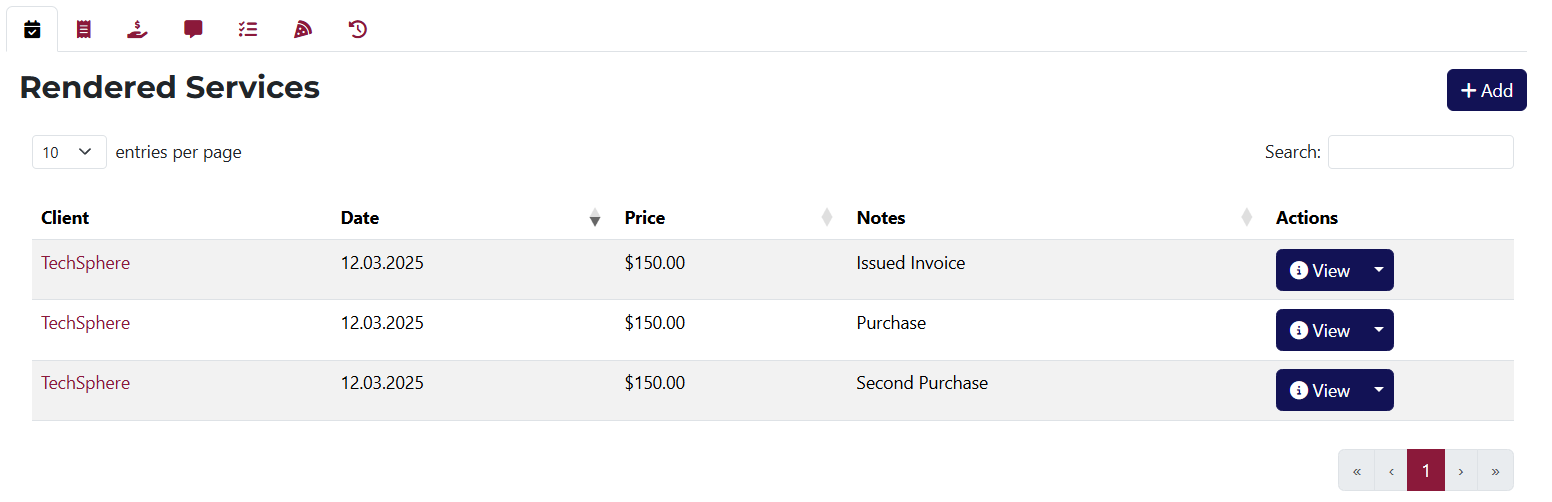
From here, you can add a new Rendered Service linked to the current service.
Buttons for viewing, editing, and deleting each Rendered Service.
If you’d like to learn more about delivered services, click here.
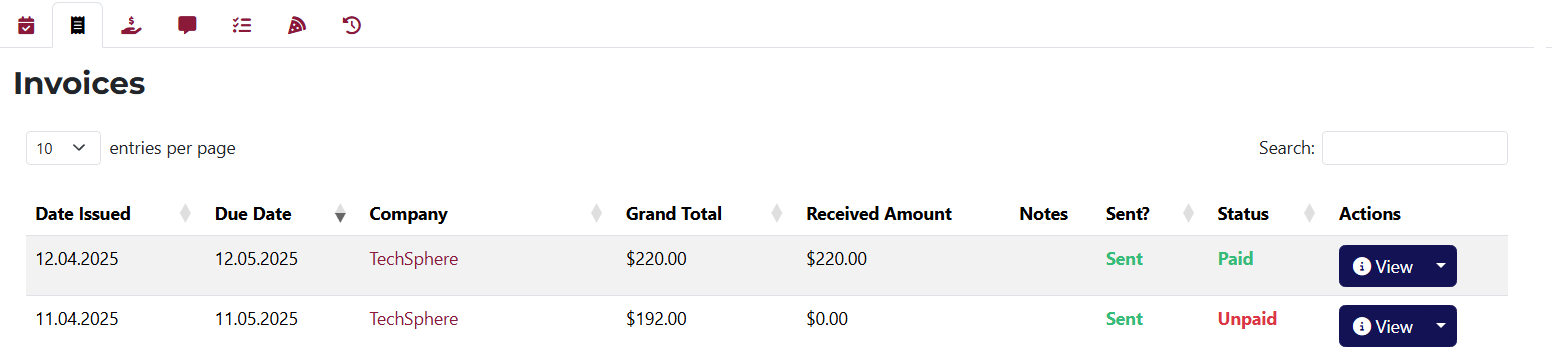
A list of invoices linked to this service.
Buttons for viewing, editing, duplicating, and deleting each invoice.
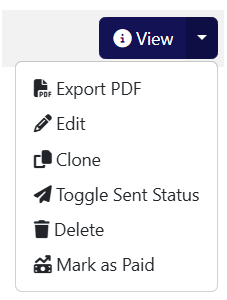
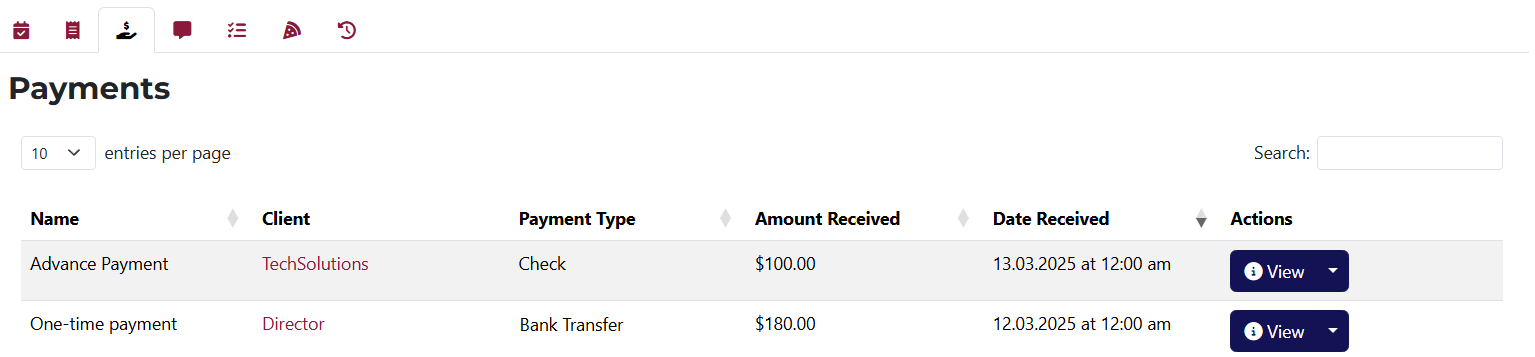
A list of all payments related to this service.
Buttons for viewing, editing, duplicating, and deleting each payment.

A list of all interactions associated with this service.
Includes options to edit and delete each interaction, and to sort them by type and employee.

From here, you can add a new task or create one from an existing template linked to this service.
You'll also see a list of all tasks related to this service, including their name, deadline, assignee, and buttons for viewing, editing, creating a template, and deleting each task.
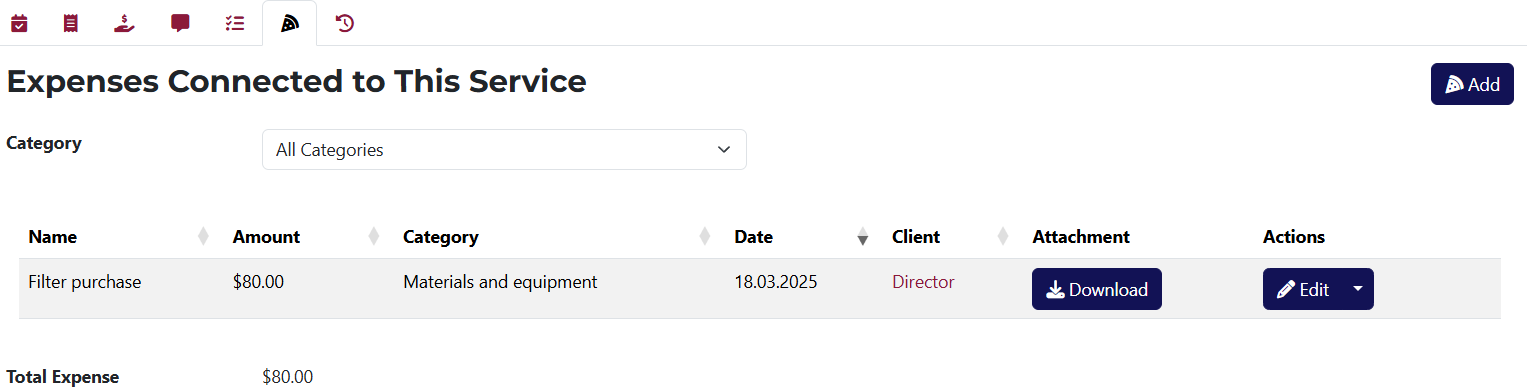
This tab lists all expenses associated with the current service.
It includes a button to add a new expense, and options to edit, duplicate, and delete entries. You can also download attached files and sort expenses by category.
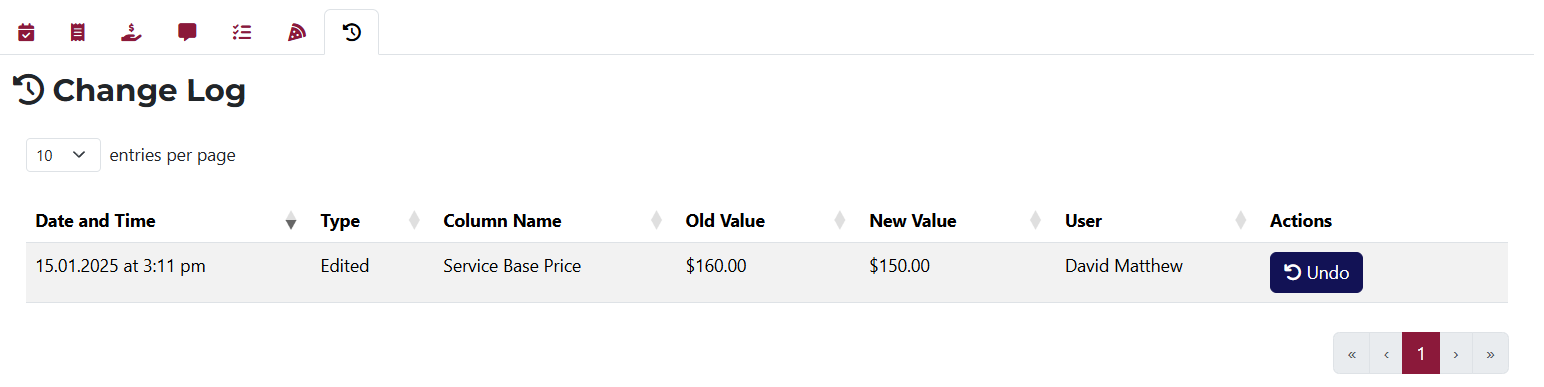
A list of all changes made to the service, with the option to undo any change.