Report – Client List by Birthdate
Use this page to generate a list of clients who have birthdays within a specified date range.
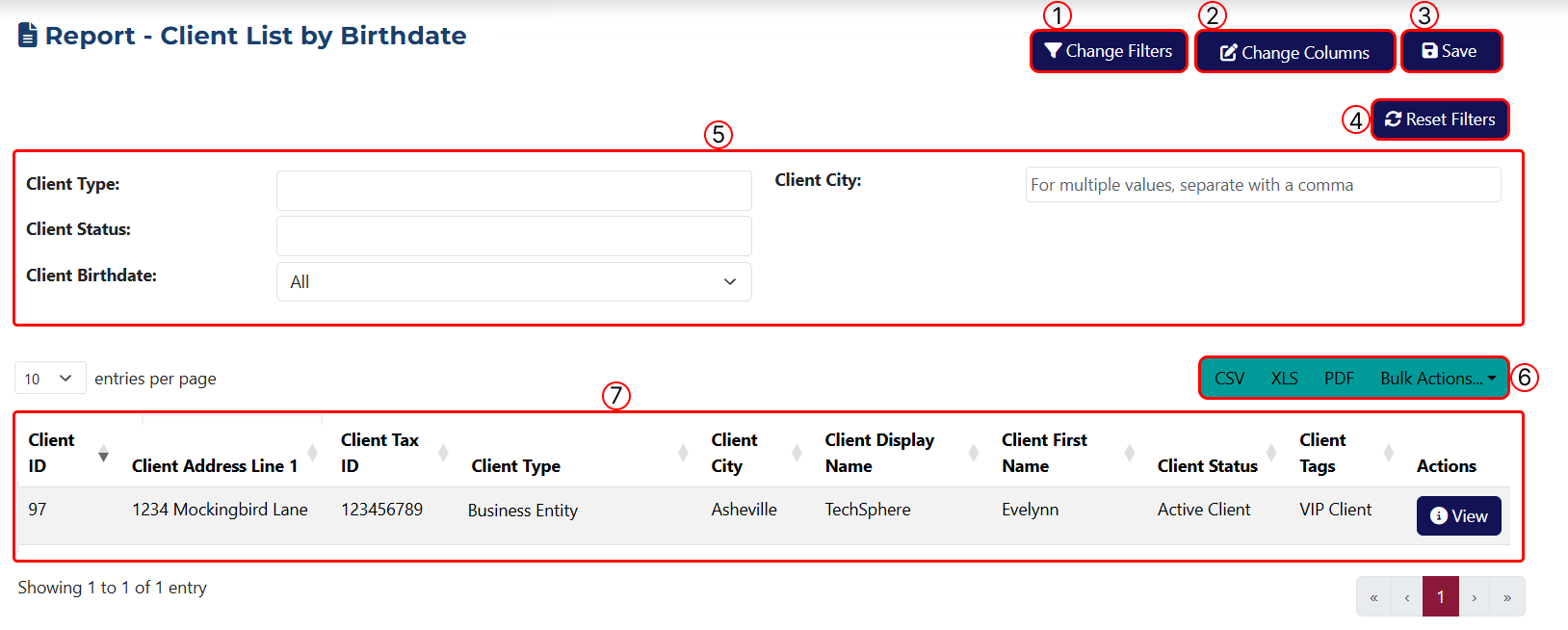
This page includes the following features:
1 Use this button to apply filters. Clicking it opens a popup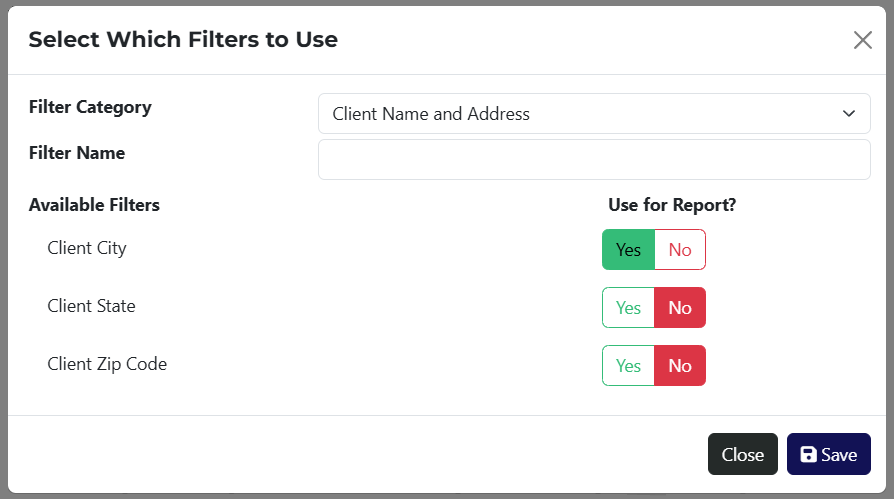 where you can select filters to apply to the report.
To make things easier, the Filter Category dropdown shows a list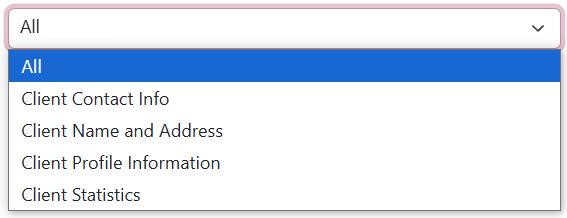 of available filter types. You can search by keyword in the Name field or view all available filters by selecting All.
2 This button lets you customize the table columns. A popup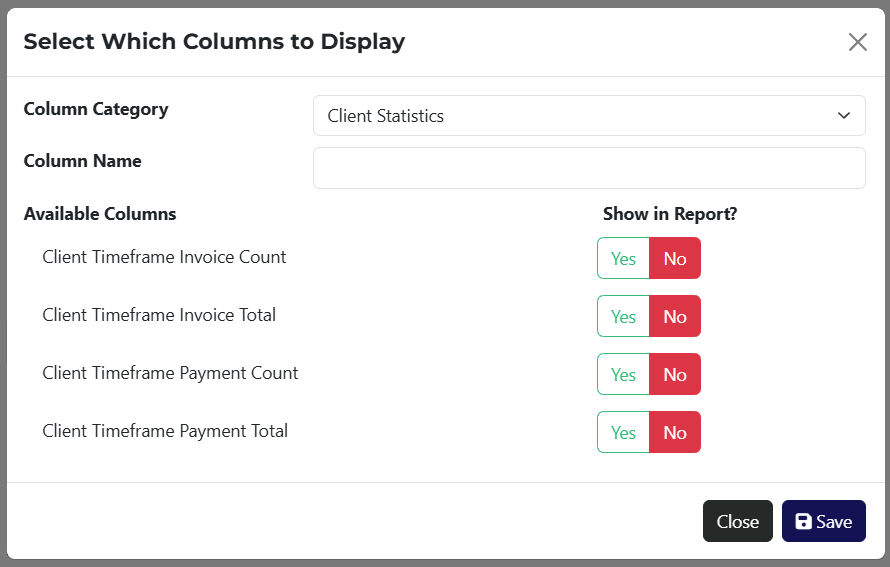 appears, where you can choose which columns to show. Columns are also grouped by category with a search option available.
3 Use this button to save the report. After clicking it, a popup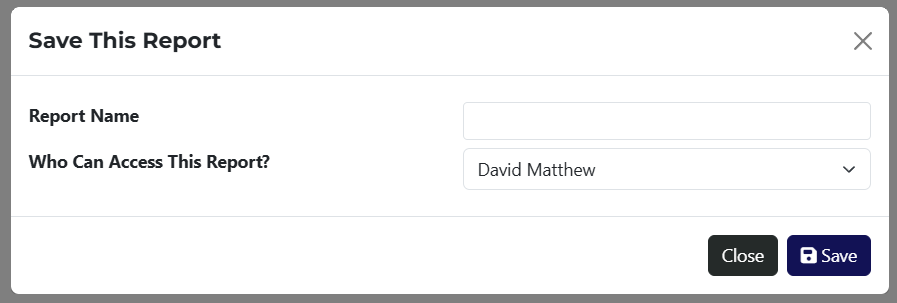 will appear, allowing you to assign visibility to a specific staff member.
4 Button to clear all applied filters.
5 This section displays all the active filters you’ve applied using step 1.
6 Use this section to export the report in CSV, XLS, or PDF format. The Bulk Actions dropdown provides a list of available options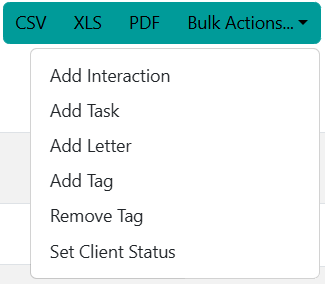 to perform actions on all filtered results.
7 The main data table displays all results, whether filtered or unfiltered.
If a report has been saved, you can access it via a link on the Reports page.