👁️ Overview
This page provides detailed information about the selected part.

Here you can see the following:
- Name – the part's name.
- Category – the category the part belongs to.
- Price – the part's price.
- VAT – value-added tax applied to the part.
- Description – part description, if any.
- Notes – additional notes added during the creation of the part.
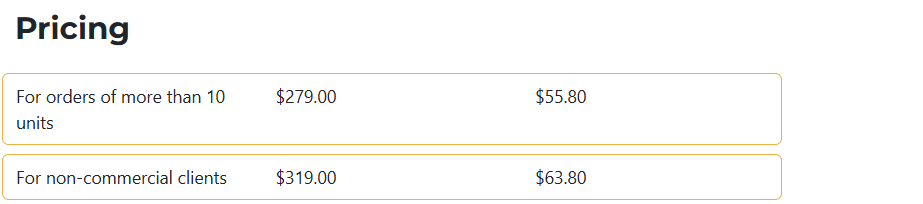
This section shows all additional pricing options for the part.
info
You can add and edit pricing options from the system settings.
📁 Tabs
- Purchases
- Invoices
- Change Log

This tab lists all purchases associated with the selected part.
You also have quick access buttons for viewing, editing, and deleting each purchase.

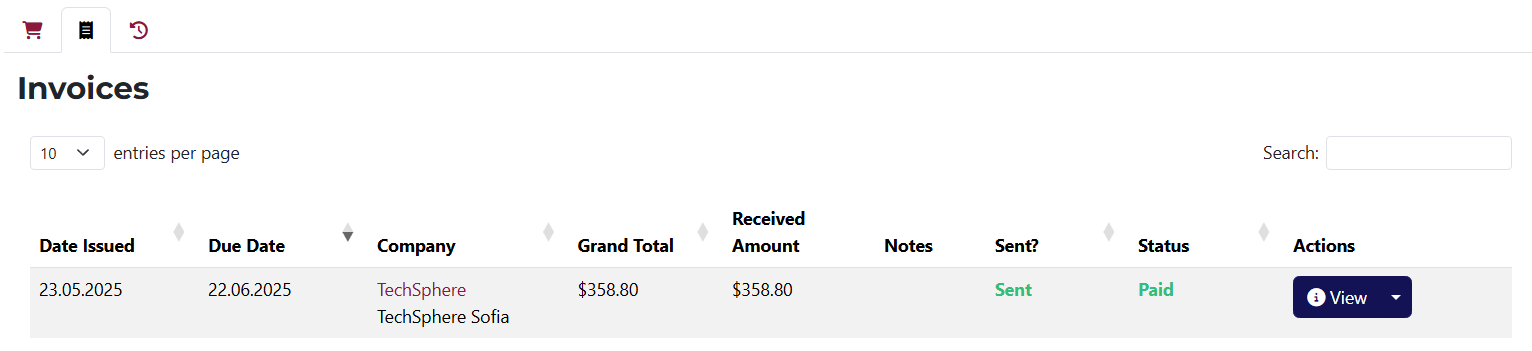
This tab shows all invoices related to the part.
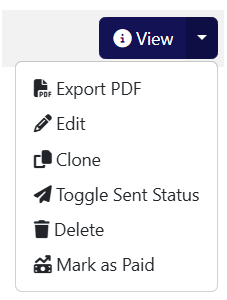
Includes buttons for viewing, editing, and deleting each invoice.
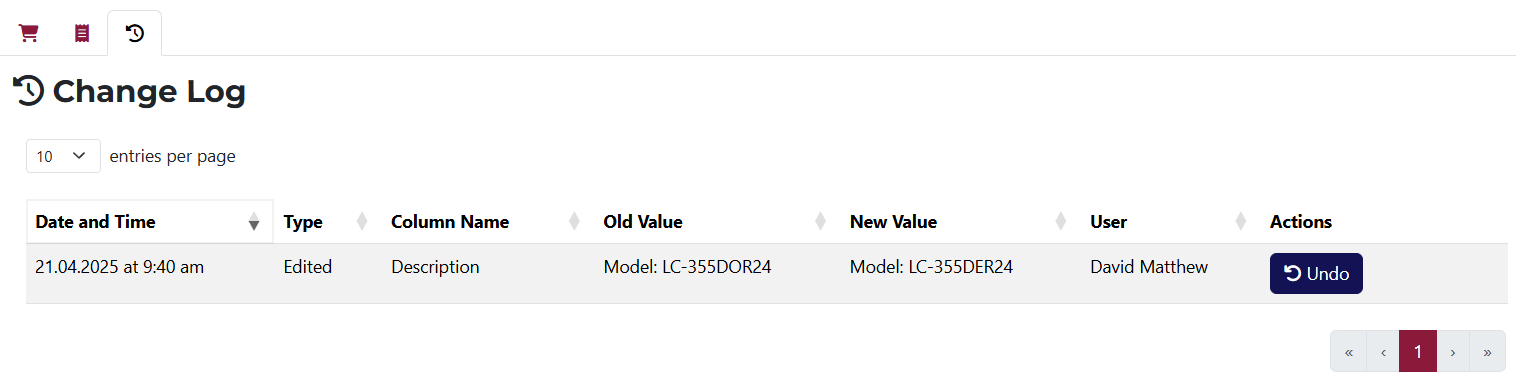
A log of all changes made to the part with the ability to undo actions.
If a specific action can be undone, a Undo button will appear in the Actions column.