➕ Add
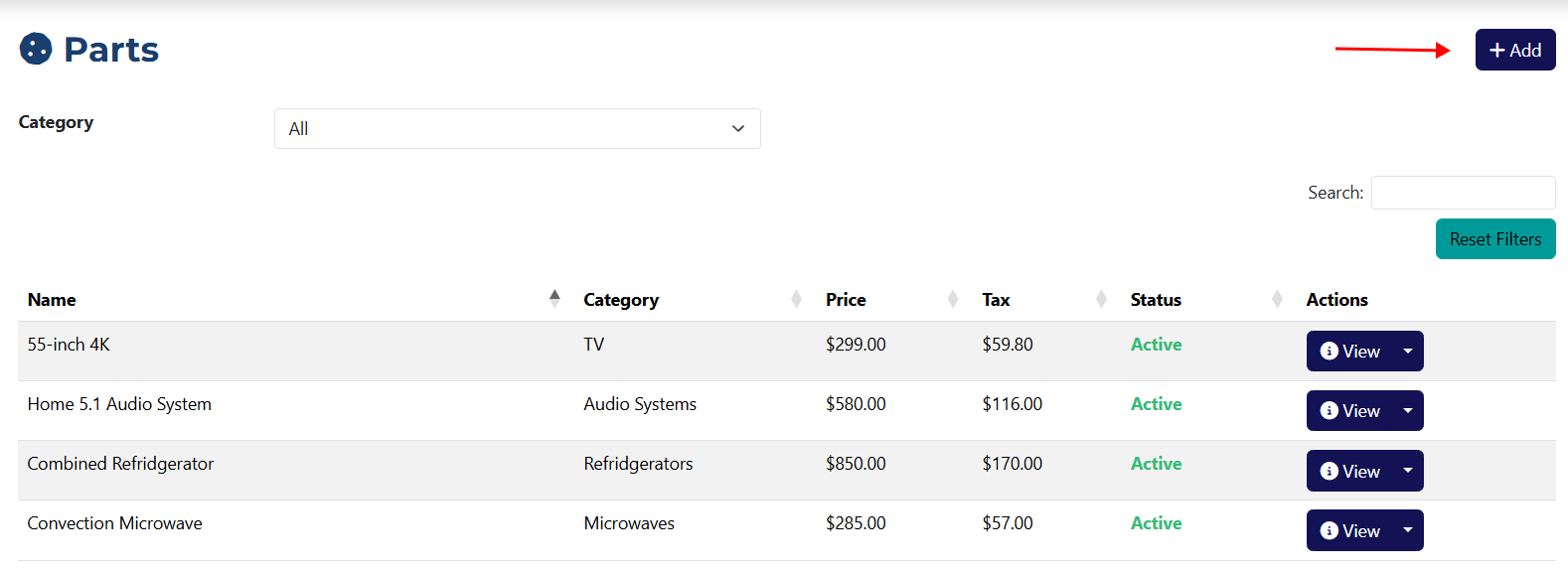
You can access the Add Part page by clicking the Add button located on the Parts page.
Add a Part
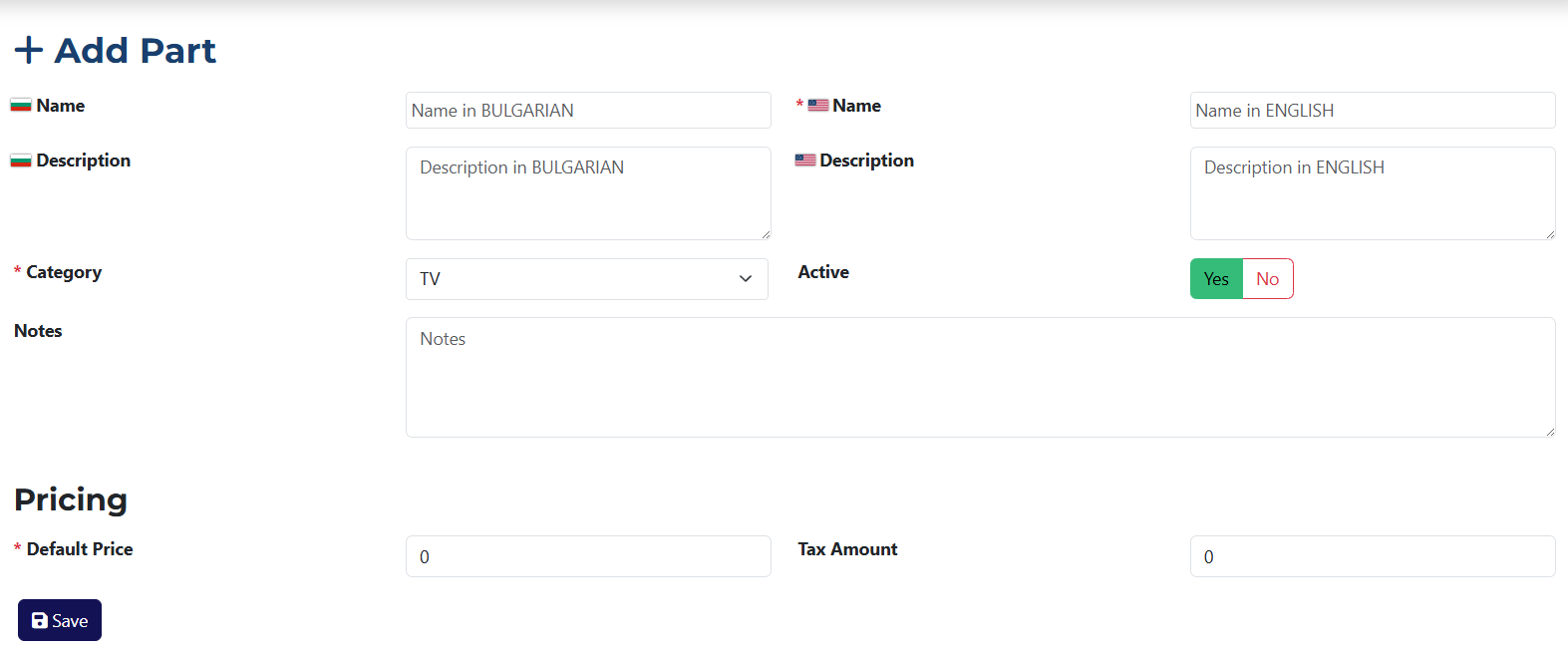
This page contains all the fields required to create a new part.
info
Fields marked with an asterisk * are required.
This form contains the following elements:
 (BG) Name* – this field is required for entering the part name in Bulgarian.
- (BG) Description – optional field for adding a part description in Bulgarian.
 (US) Name – optional field to enter the part name in English.
- (US) Description – optional field for the part description in English.
- Category* – a dropdown from which you must select the category the part belongs to.
- Active – a radio button used to set the part's status (active/inactive).
- Notes – use this field to enter any additional information about the part.
- Default Price* – you must specify the base price of the part here.
- VAT – this field lets you define the value-added tax in BGN applied to the base price. If VAT is already configured in the system, this field will be filled in automatically.
tip
You can define additional pricing fields from the system settings, and they will appear on this page as well.