👁️ View

On this page, you can view the following information:
- Name – the name of the added employee.
- Phone – the employee's phone number.
- Notes – any notes added for the employee during creation.
- Start Date – the date the employee was hired.
- Email – the employee's email address.
📁 Tabs
- Clients
- Rendered Services
- Interactions
- Change Log
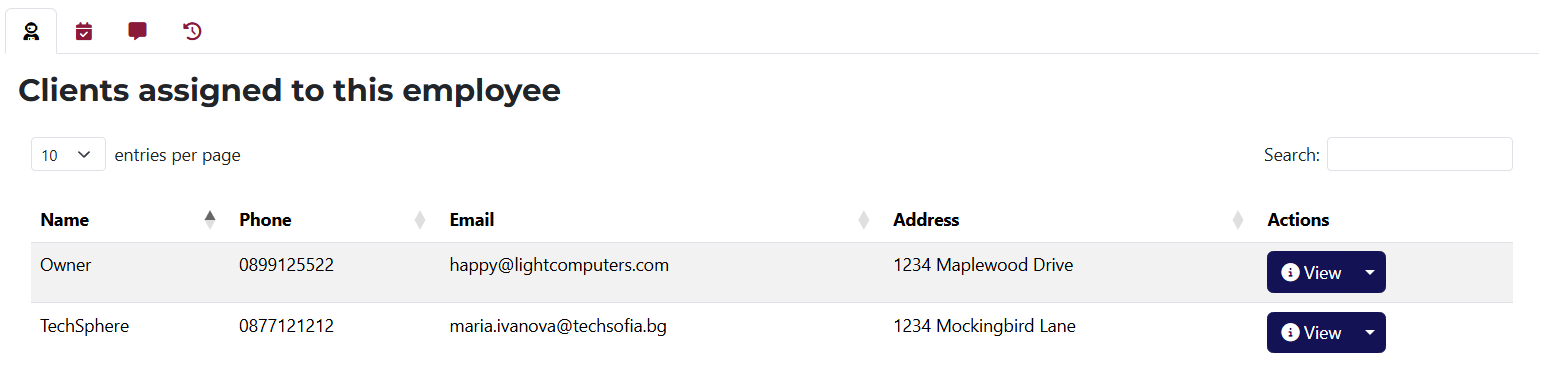
Here you can see all clients associated with this employee. You have quick access buttons for viewing, editing, and deleting each client.
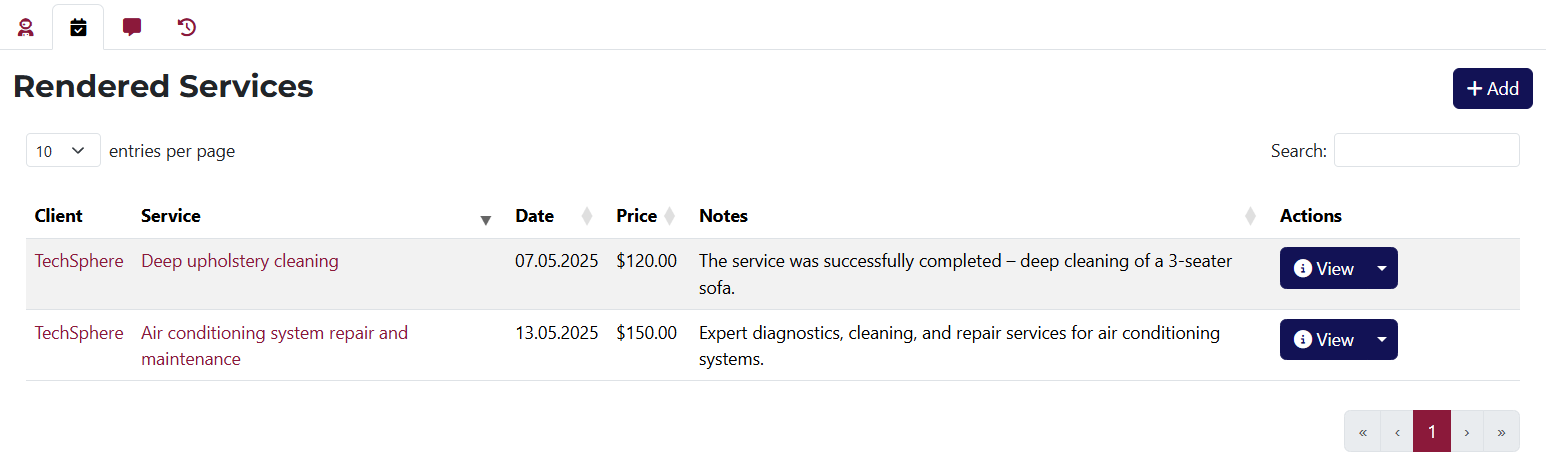
In this tab, you can see all services rendered by this employee. You will find quick buttons for viewing, editing, and deleting each rendered service.
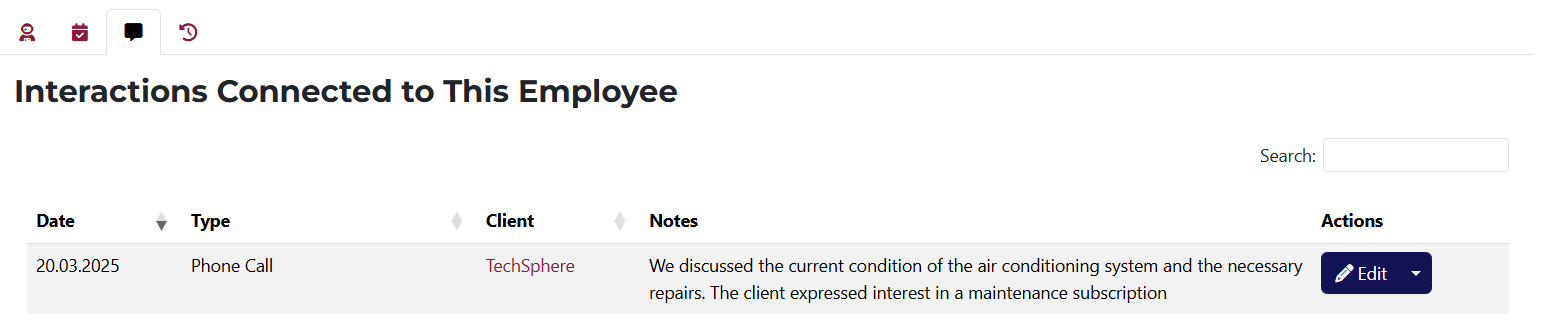
This tab shows all interactions made by this employee. You have quick access to edit or delete each interaction.
info
You can add a new interaction from the client view page under the Interactions tab.
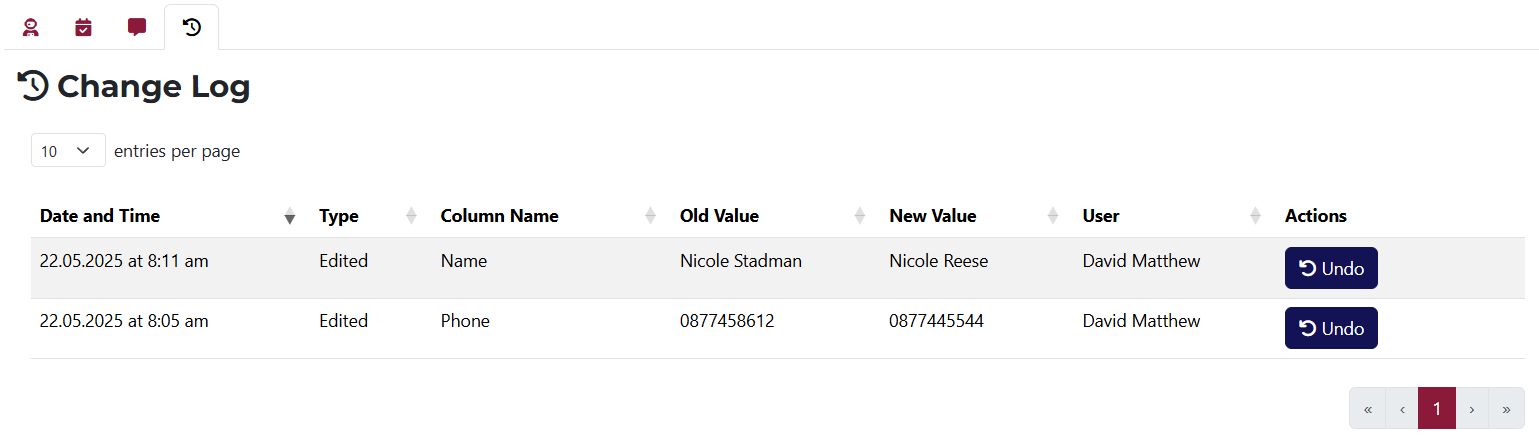
Here you can see a history of changes made to this employee. If a change is reversible, you will see a Undo button in the Actions column.