➕ Add
On this page, you can add a new employee to the system. You can access this page using the Add button located on the employee listing page.
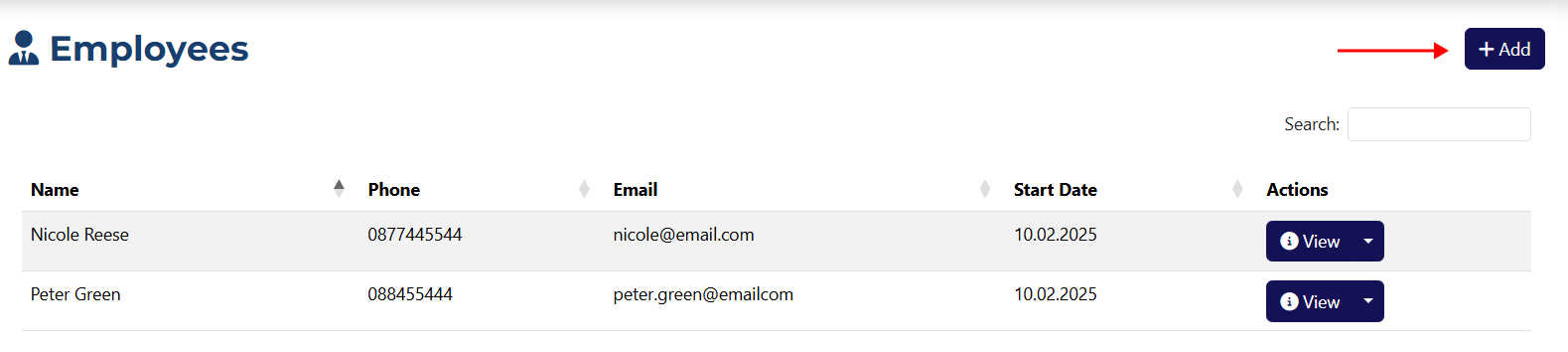
Add an Employee
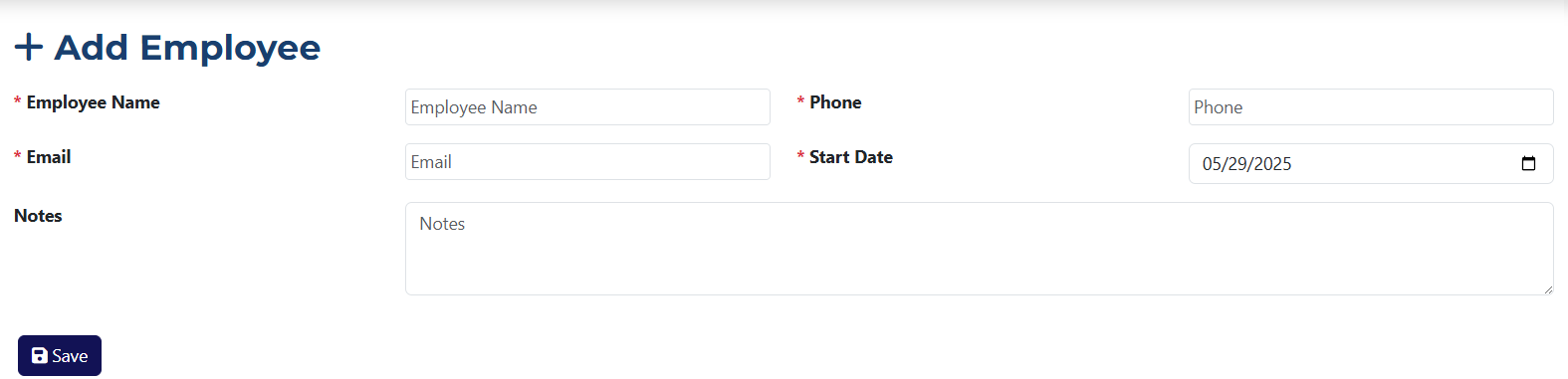
Here you will find all the fields required to create a new employee.
info
All fields marked with an asterisk * are required.
- Employee Name* – in this field, you must enter the name of the employee you are adding.
- Email* – here you must enter the email address of the employee you want to add.
- Notes – in this field, you can enter additional information about the employee. It is optional and can be left empty.
- Phone* – this field is for entering the employee’s contact phone number.
- Start Date* – here you must select the hire date of the employee. By default, it uses the current date, but you can change it.