🖌️ View and Edit
After clicking on an image, a pop-up window will open where you can view the image in its original size and make changes to it.
Function of the image edit buttons:
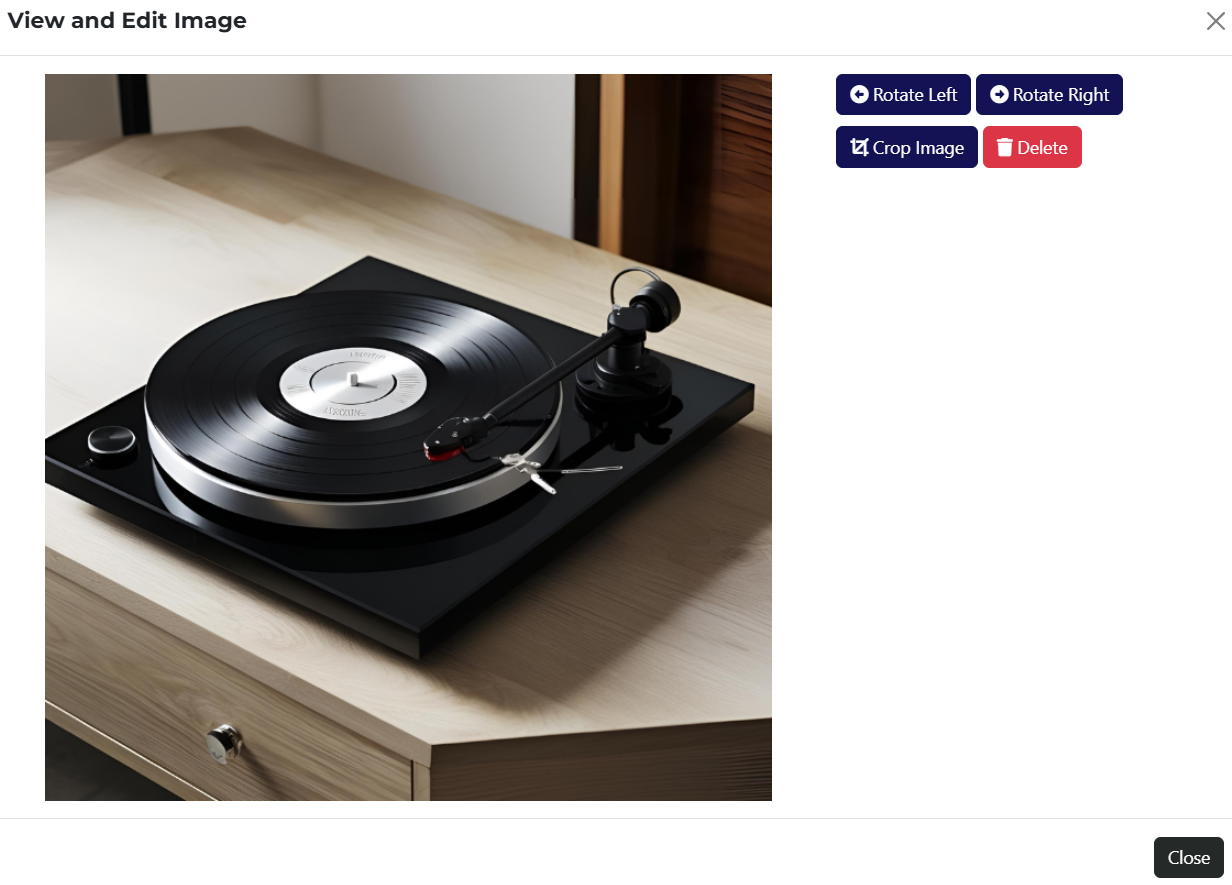
- Rotate Left – this button rotates the image 90 degrees to the left.
- Rotate Right – this button rotates the image 90 degrees to the right.
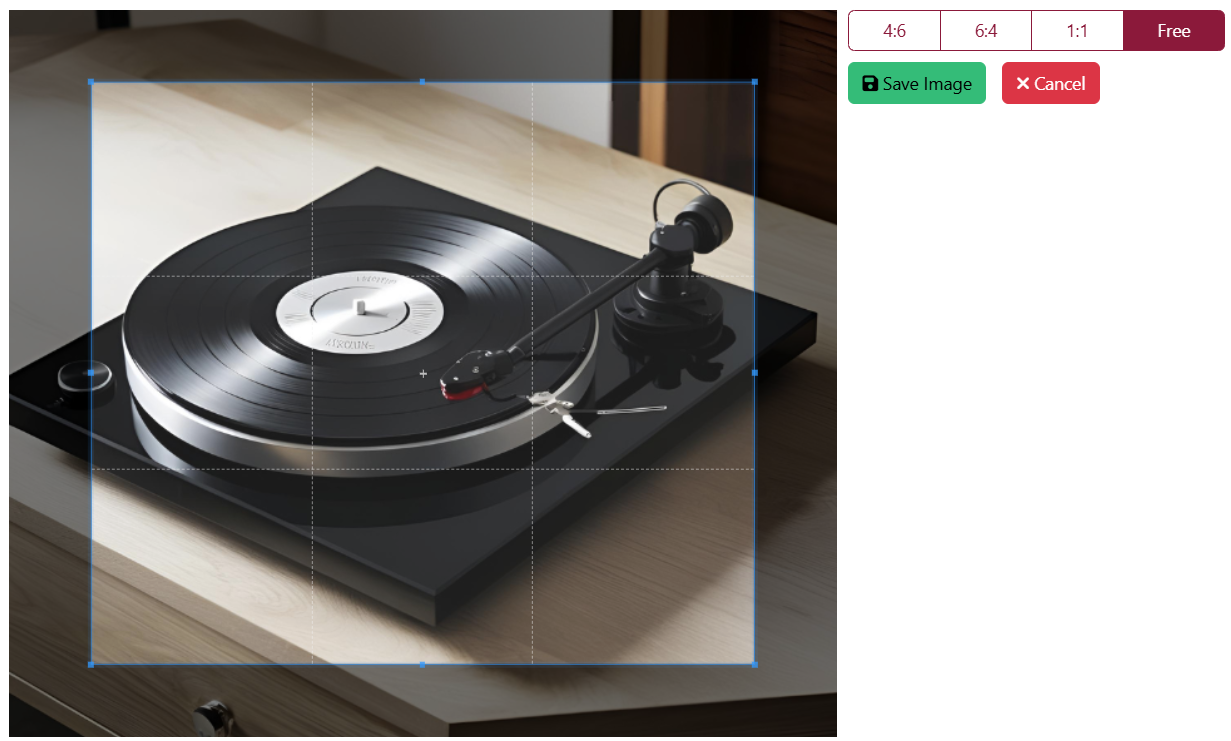
- Crop – this button allows you to crop the image as needed. Once clicked, additional cropping buttons will appear:
- Delete – this button allows you to delete the currently opened image. After clicking it, a confirmation popup will appear to ensure you really want to delete the image.