➕ Add
To upload an image, click the Add button located on the page with all images.
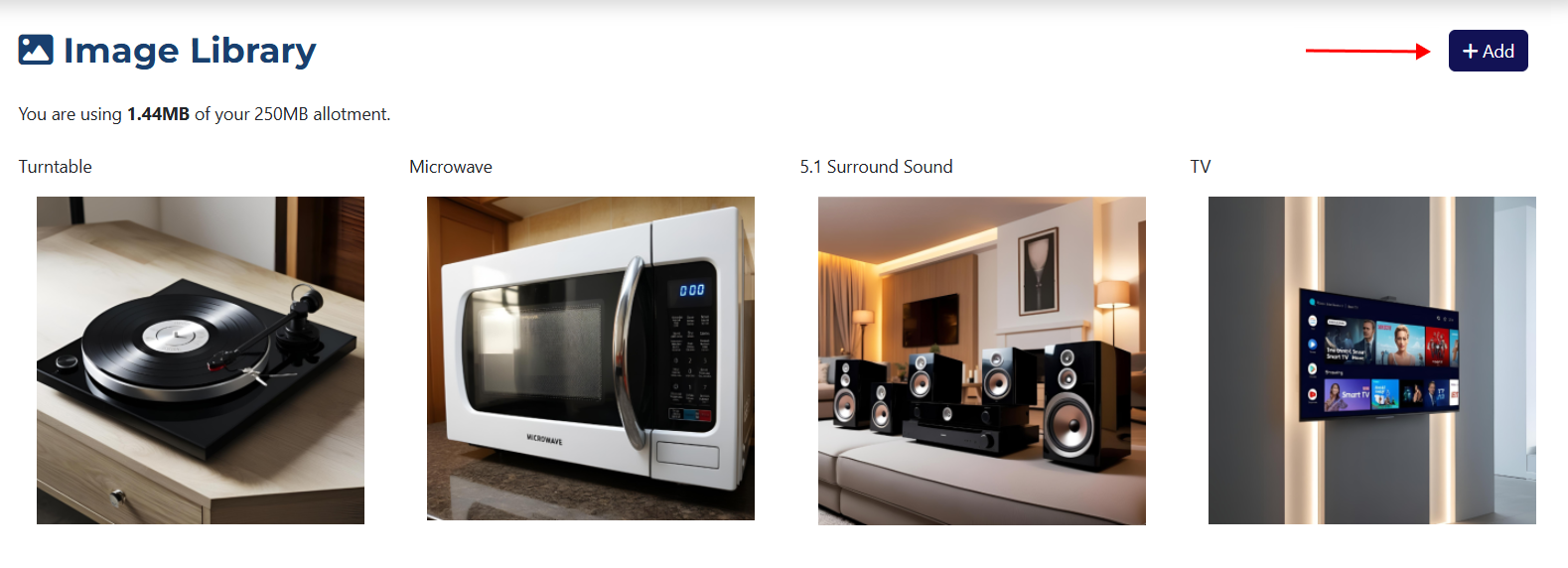
After clicking the button, fields will appear at the top of the page:
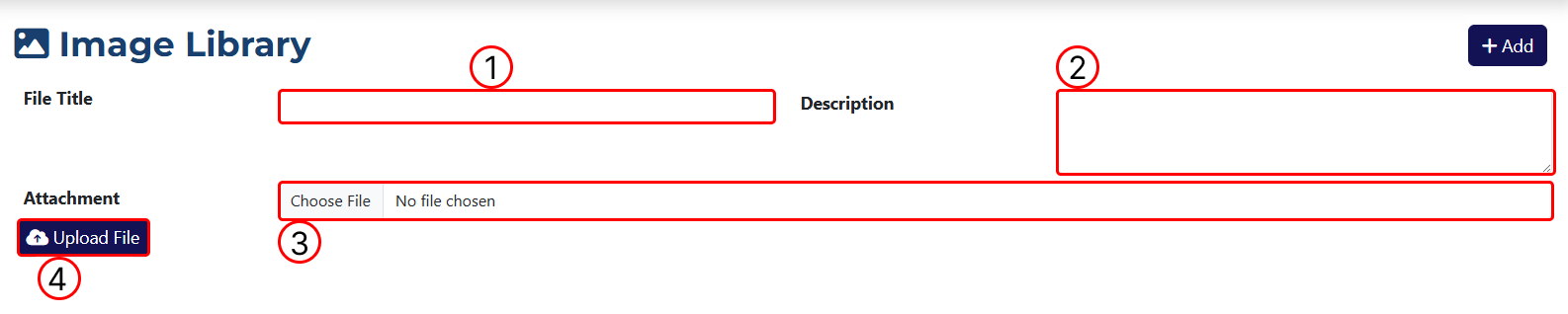
1 Field to enter the name of the image. This is the name under which the image will be saved in the system.
2 A field to enter a description, which can help you understand what the uploaded image represents.
3 Use this field to upload an image from your computer. After clicking the button, a dialog will open where you can select the image you want to upload.
4 This button allows you to upload the selected image. After clicking it, the image will be added to the system and will appear in the library.